
Before you start: 3 things to have ready
A Viber bot connects to MyChatBot with one access token. Have three things ready: a Viber account to create the bot, your product and business data in the Knowledge Base, and a clear scope for the agent. One Viber rule: you cannot message a client who is not yet subscribed to the bot, so the customer writes first. For a Viber number instead of a bot, use the separate E-Chat Viber channel.
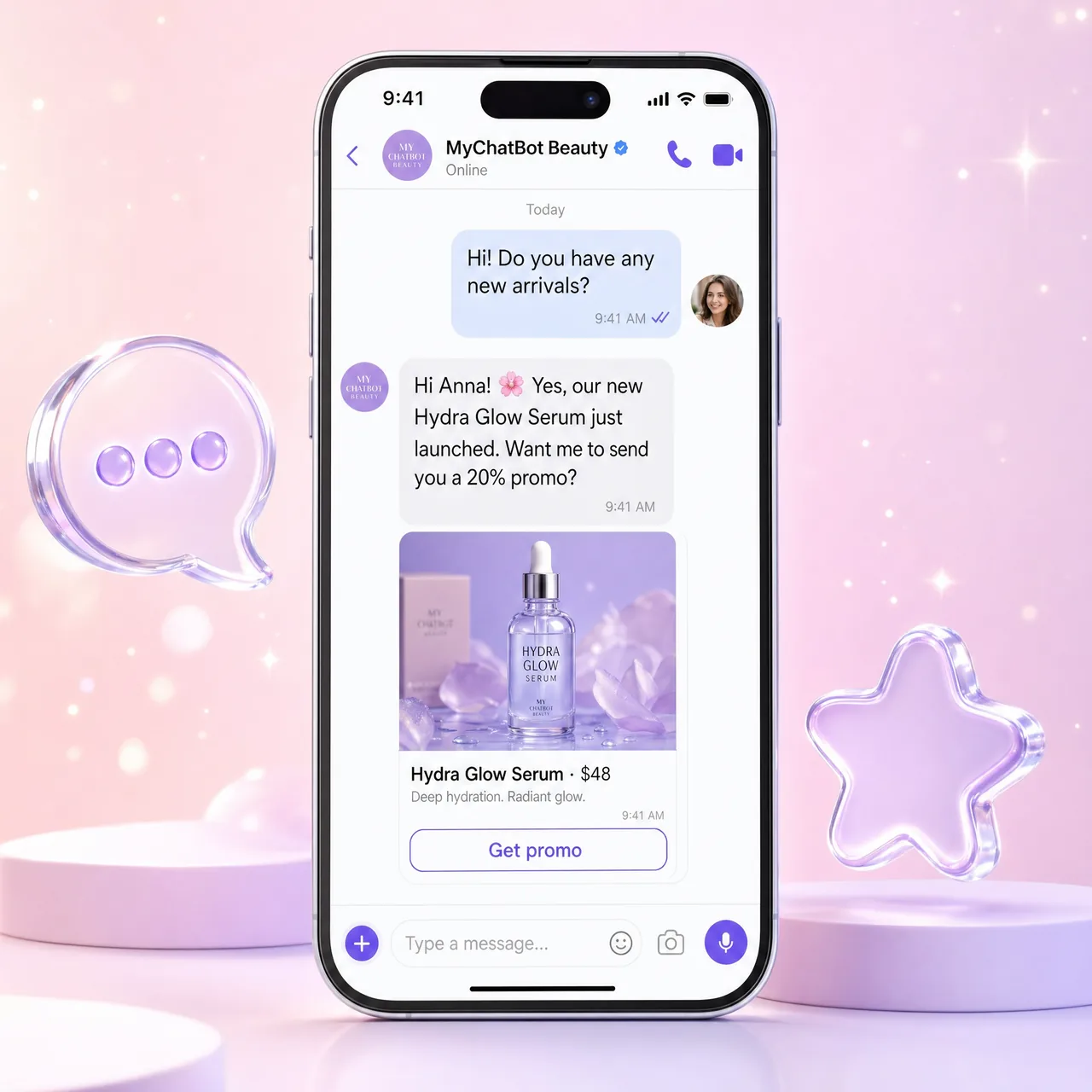
Step 1: Create the bot and paste the token
At partners.viber.com, log in with your Viber account, open Create Bot Account and copy the access token. In MyChatBot open Channels, select the agent, open the Viber tab, paste the token and click Save changes; MyChatBot validates it with Viber. Unlike Telegram, where a saved token starts replies at once, a Viber bot goes live only when you turn the connection toggle on. The panel then shows the bot name.
Step 2: Give the agent its Knowledge Base
Each assistant reads one knowledge base. FAQ, Business Documents, Business Files and uploaded product files are background knowledge it references. Prices and items come from the searchable catalog: a Product Feed (XML, YML or text), a Product Spreadsheet or the in-app Products catalog. For large, attribute-rich catalogs, turn on Agentic Search.
Step 3: Wire CRM, calendar and hand-off
On Integrations, pick the same assistant and connect one CRM, such as KeyCRM or HubSpot, so the agent can create leads from Viber chats. Add Google Calendar or Altegio for bookings. In Handoff Control pick a stop word or implicit handoff, plus silent handoff so the customer sees one conversation; operators reply through the same bot. Flight Control links a Telegram group where your team can steer the agent.
Step 4: Test and go live
Rehearse real questions in the Test Dialog: status, label and handoff actions are simulated, but tools that write to a connected system really run, and replies count toward your plan’s AI messages. The Viber tab also offers Reply Delay (s), an Instant welcome message and Revoke token. The toggle puts the agent live at once, so turn it on when ready and message the bot from your own Viber: paragraph splitting and link stripping show only in a real channel. More on the AI Viber chatbot page.