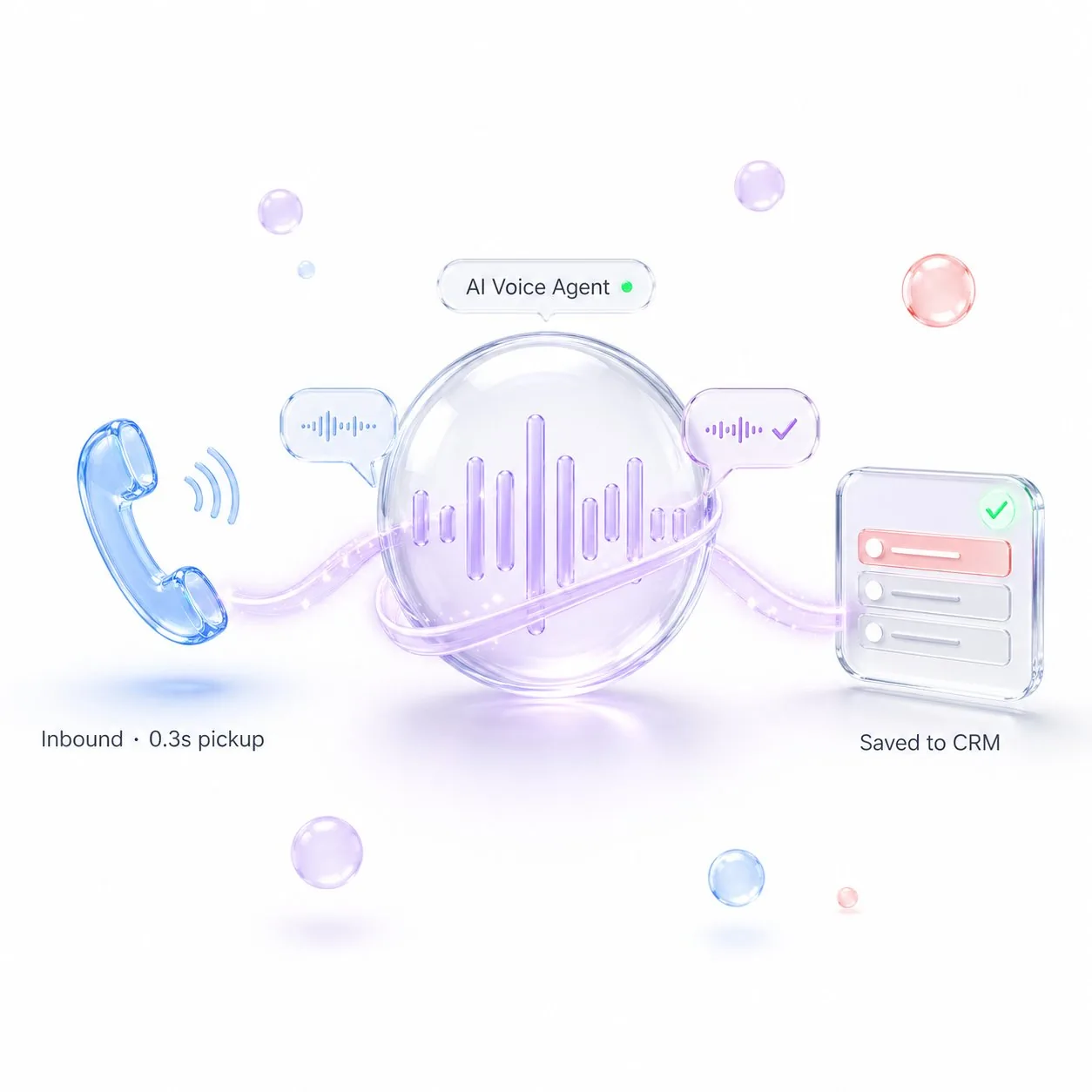
AI Voice Agent, a voice chatbot for phone calls, picks up every inbound call, makes outbound calls, qualifies leads, sends reminders, runs mass campaigns and writes every result into CRM, 24/7, in any language, at human voice quality.
01
24/7 Voice Sales
AI Voice Agent that runs 24/7 inside your business
Without a voice agent, your business loses calls, leads, repeat sales and control over communication. With one, every missed call gets answered, every lead gets qualified, every reminder gets made. In any language, at human voice quality, around the clock.
Picks up every inbound call within 1 ring
Makes outbound calls at human-like voice quality
Writes every call result straight into CRM
02
Inbound Calls
Every inbound call answered within 1 ring, 24/7
No more missed calls, no more "we'll call you back". The AI Voice Agent picks up instantly, asks the right questions, books appointments, sends payment links by SMS, and pings a human only when the lead is hot or the request is complex.
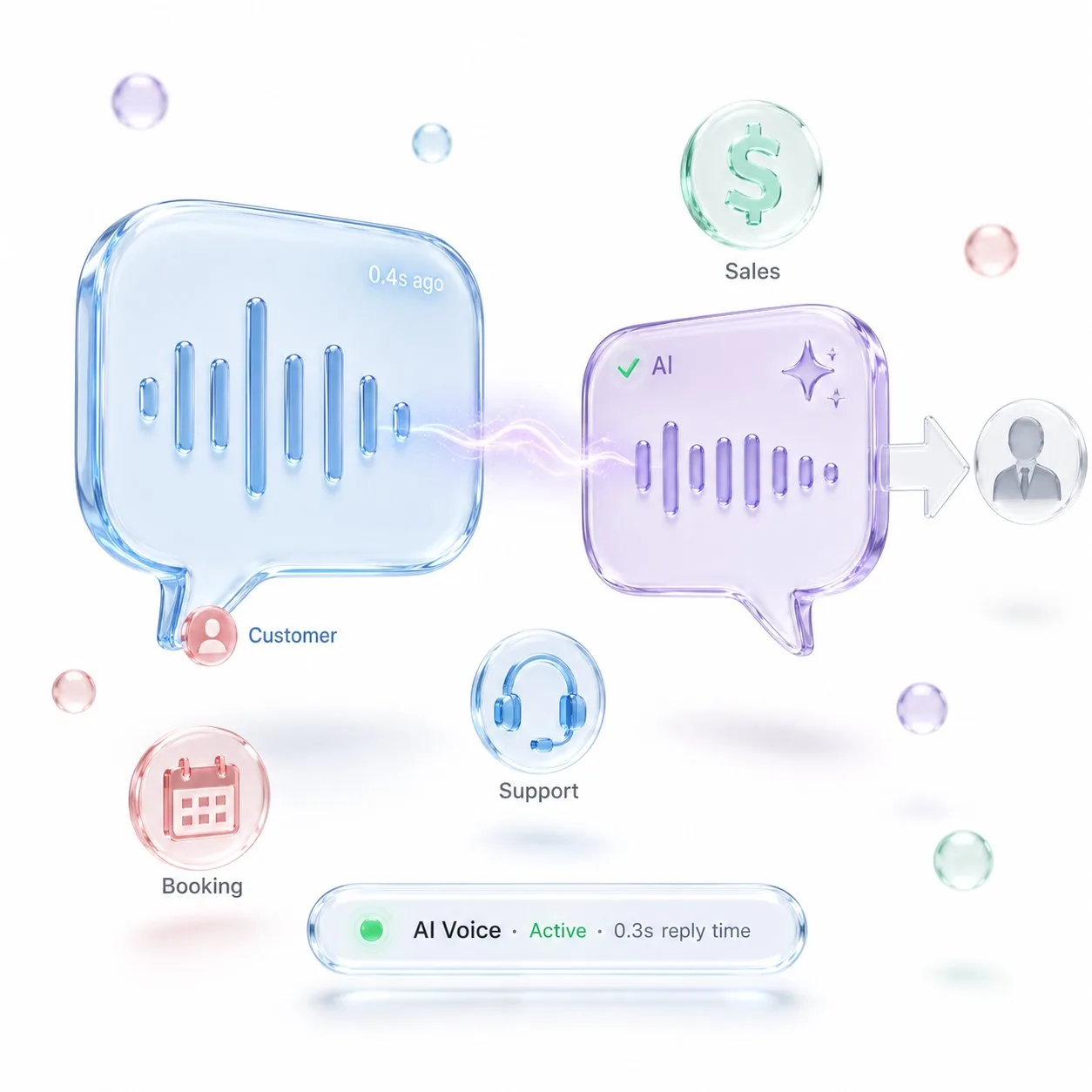
Sub-second replies with full conversation memory
Sales, support and booking in one AI flow
Human handoff with full chat context
03
Outbound & Mass Calls
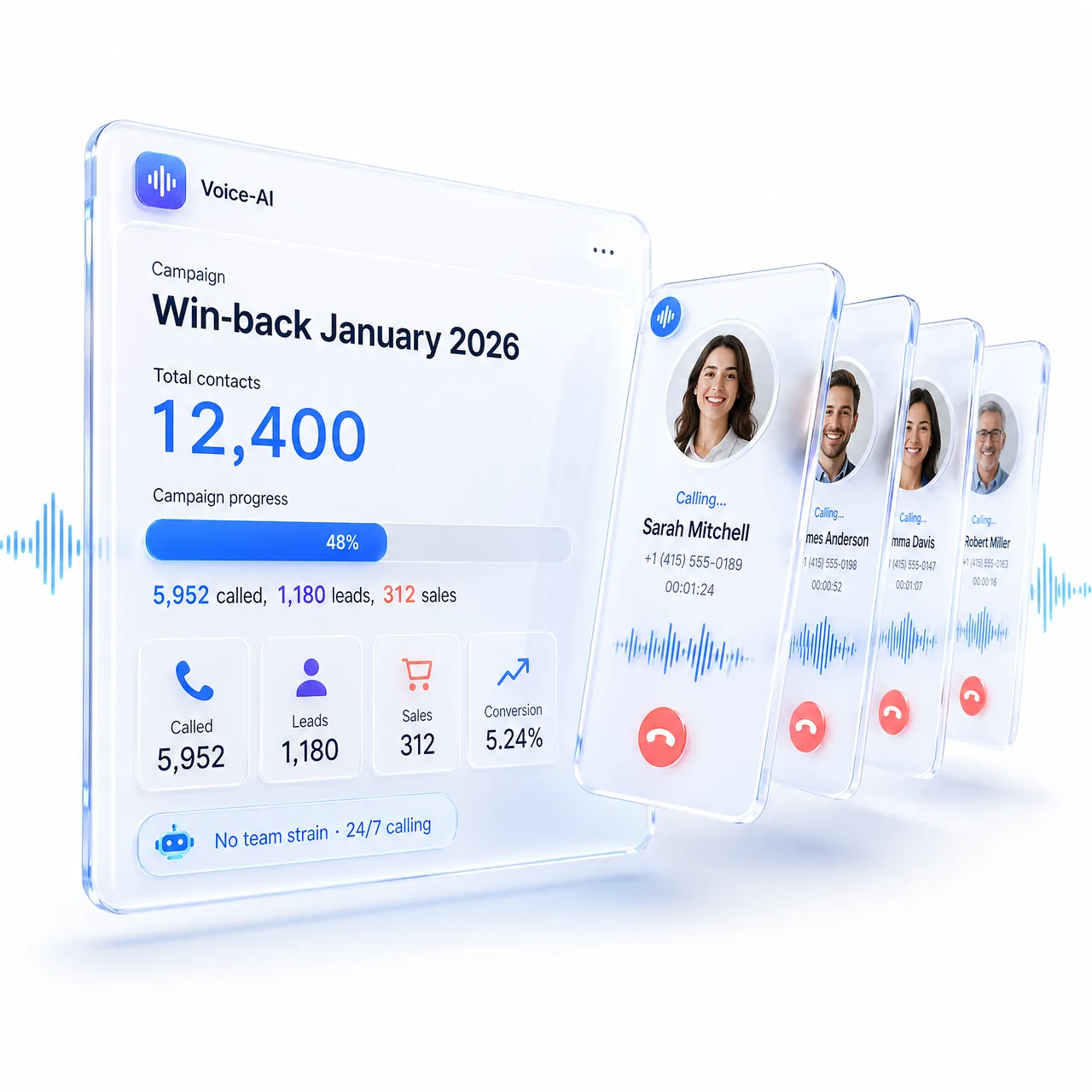
Mass outbound calls without burning out your team
Need to call 10,000 contacts? The AI Voice Agent calls every single one, in their language, on their schedule, with full context, and writes every result back to CRM. Lost customers, lapsed leads, abandoned carts, all called, all tracked, no manager fatigue.
Mass campaigns: 10,000+ calls per day, no team strain
Win-back campaigns for "lost" customers
Lead nurturing after every form submission
04
Reminders & Confirmations
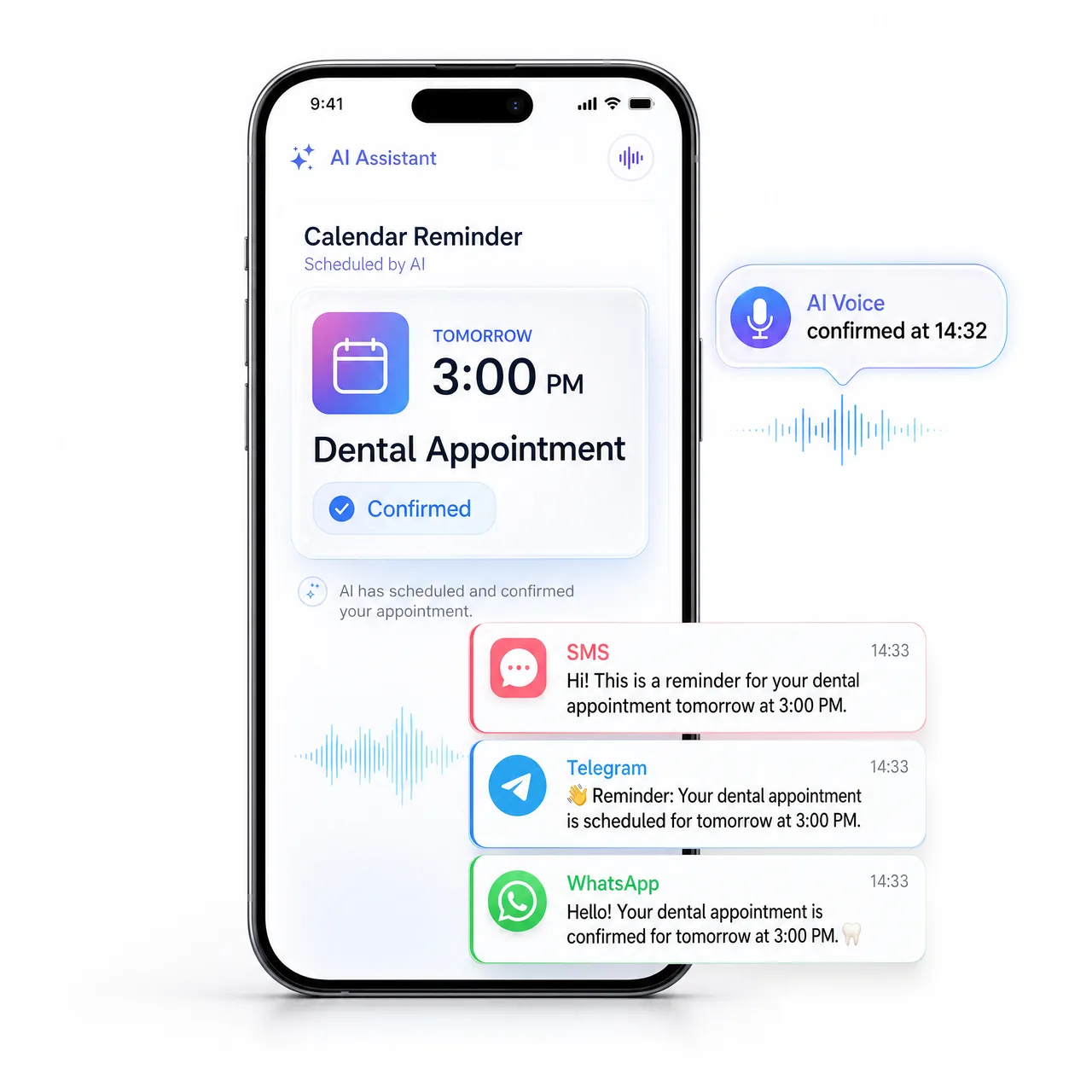
Voice reminders for appointments, payments and bookings
No-shows kill your revenue. The AI Voice Agent calls in advance to confirm appointments, remind about payments, push order pickups and re-confirm bookings. After the call, automatic SMS or Telegram with the next step.
Pre-appointment confirmations cut no-shows in half
Payment reminders before invoice deadlines
Post-call SMS / Telegram / WhatsApp follow-up
05
Call Analytics
Call analytics that tell you why deals fail
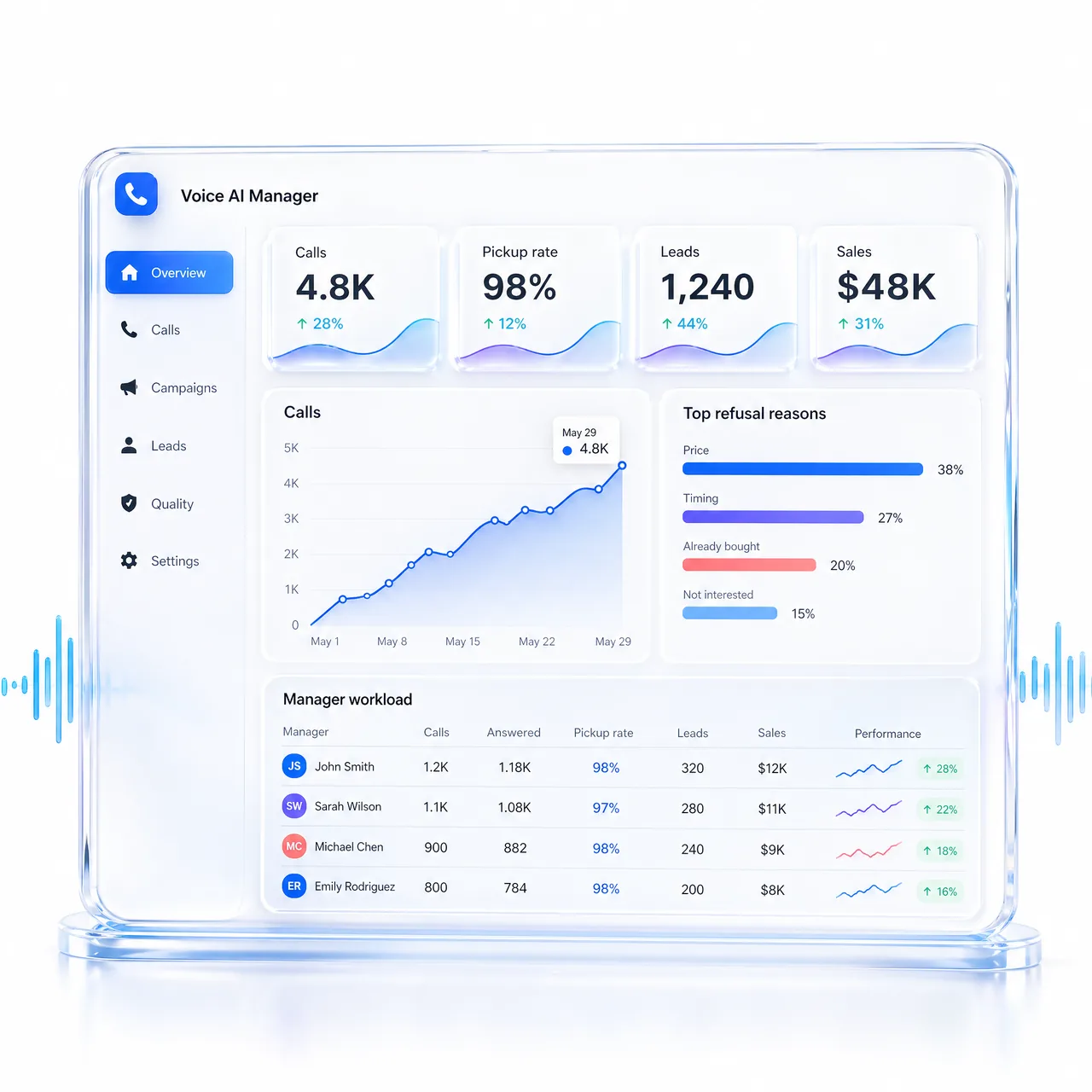
A live dashboard for every call, pickup rate, average duration, conversion to lead, conversion to sale, top refusal reasons, manager workload and SLA. Plus AI insights that pinpoint exactly where the script breaks.
Live metrics: calls, leads, sales, refusal reasons
Quality control: every call transcribed and scored
Cohort tracking: call → lead → sale
06
Lead Qualification
First-touch qualification on every single lead
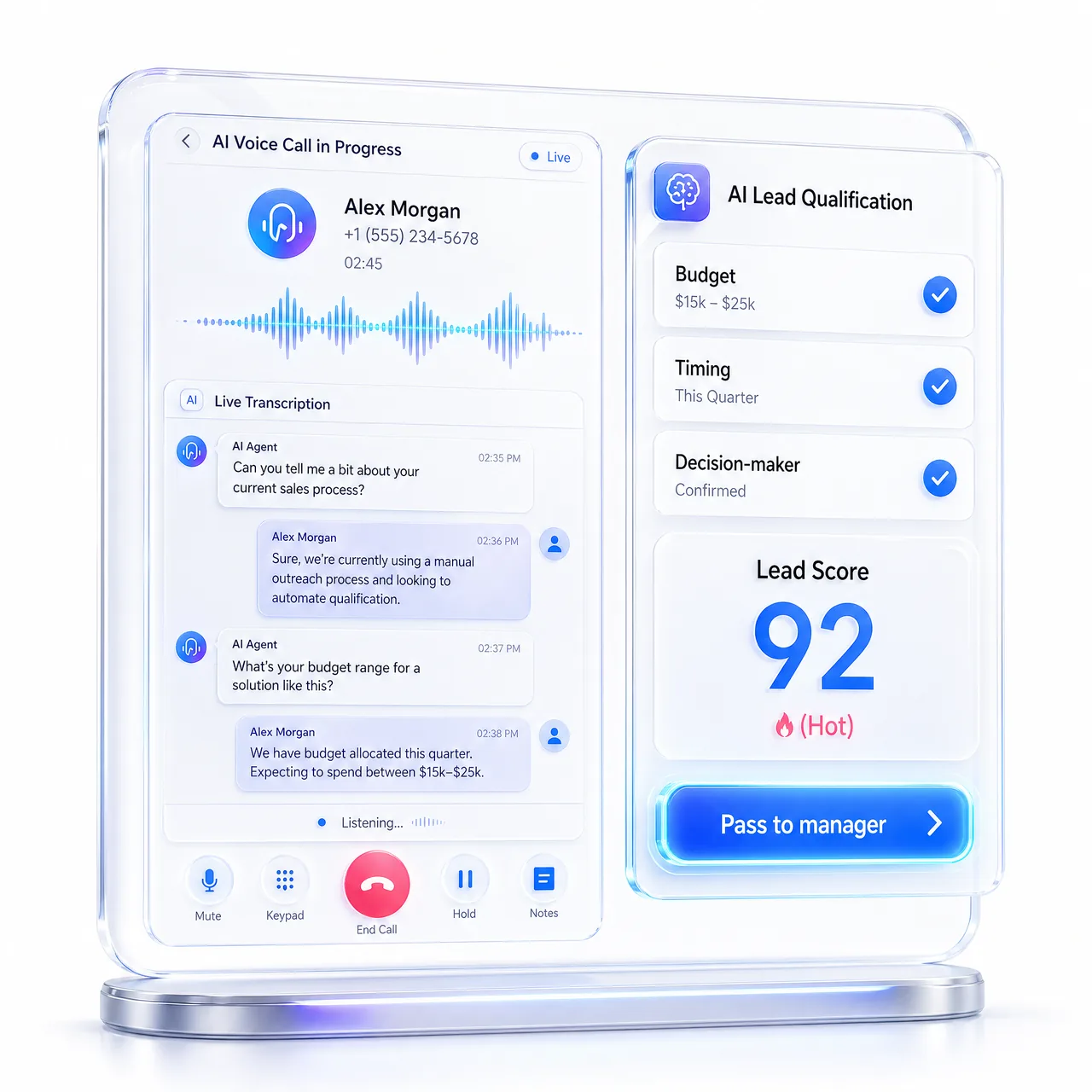
Every form submission, every missed call, every abandoned cart gets a follow-up call within minutes. The AI runs your script, asks budget / timing / decision-maker questions, scores the lead, and only the hot ones go to your sales team.
Auto-call within minutes of every submission
Script-based qualification with intent detection
Hot leads passed to managers with full call context
07
Manager Handoff
Manager handoff with full call context
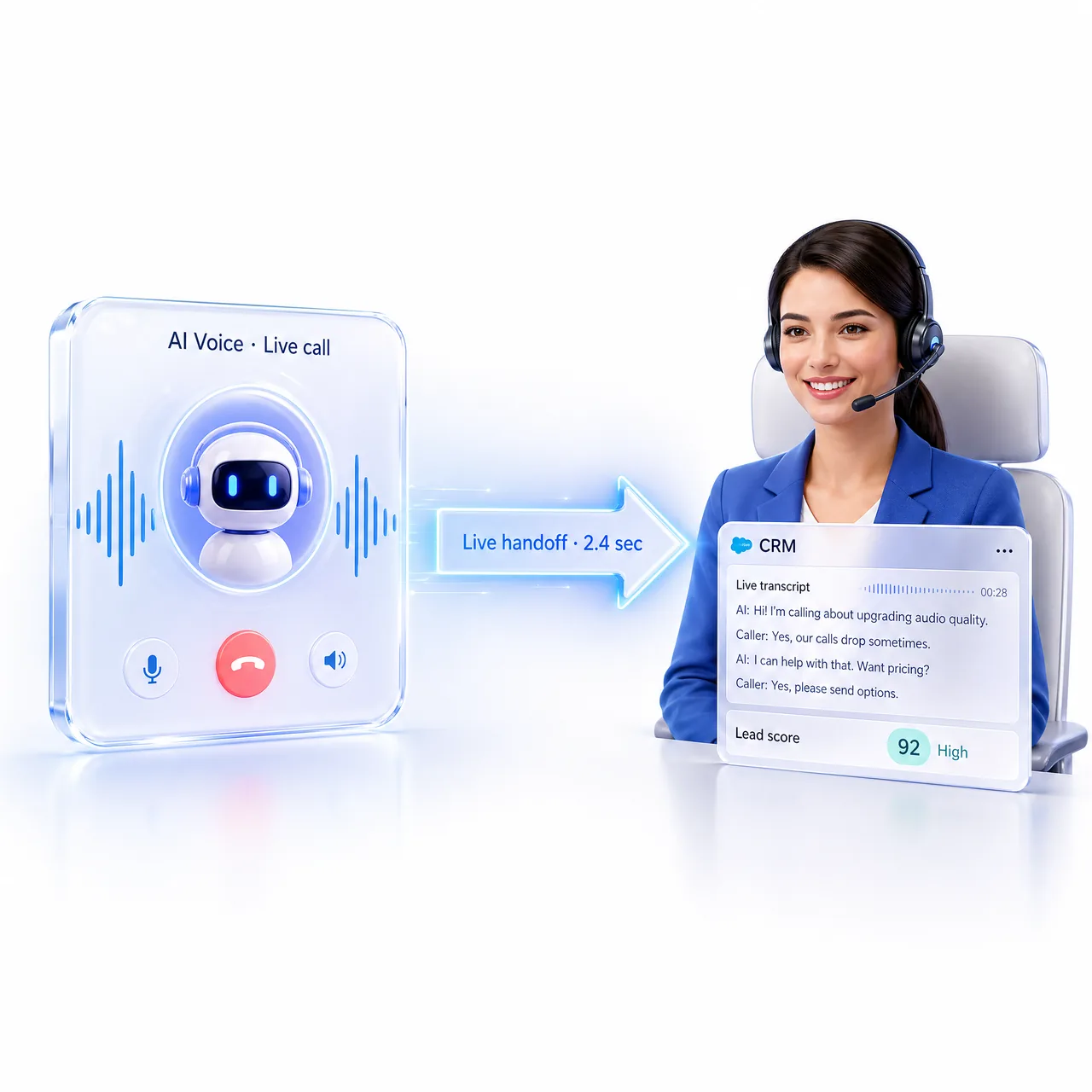
Hot lead detected? The AI hands the live call straight to a sales manager, with full call transcript, lead score, budget signals and next-best-action. The customer never repeats themselves. The manager never starts cold.
Live call handoff with full transcript and context
Multi-step scenarios with branching logic
Follow-ups, delays, and handoff rules
08
CRM & Follow-ups
CRM + post-call follow-up sequences
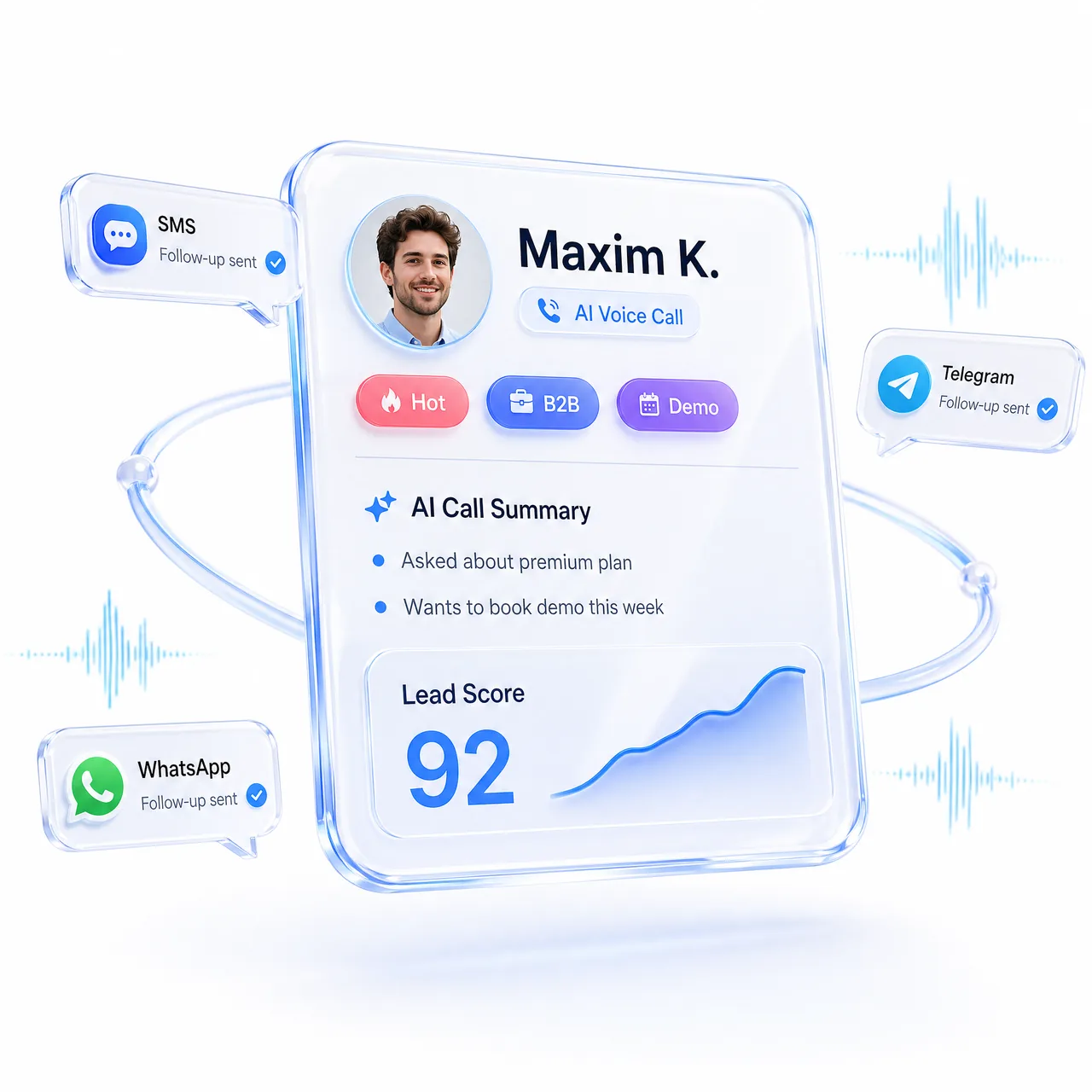
Every call writes itself into CRM, full transcript, AI summary, next-best-action, tagged status. Triggers post-call SMS / Telegram / WhatsApp, creates manager tasks, and queues the right follow-up sequence based on what was actually said.
CRM card per call, full transcript, AI summary, score
Post-call SMS / Telegram / WhatsApp on autopilot
Behavior-based follow-up sequences after every call
How the AI voice agent connects
The AI voice agent runs on the Calls channel of your existing agent. It is built from the same instructions and knowledge base as your chat channels, so it speaks for the same business as the agent that answers your messages.
Choose how calls reach it:
SIP Trunk connects your own SIP telephony, so you keep your carrier.
Twilio Account uses a phone number you already own in Twilio.
Web SDK adds a click-to-talk voice button to your website. Visitors talk to the agent in the browser, no phone number needed.
One connected number handles both inbound and outbound calls. Pick a voice after listening to a preview; the voice also sets the agent’s primary language. Add extra languages and turn on Automatic language switching so the agent detects the caller’s language mid-call. You can also set the first message, speech speed and a maximum call duration.
Before going live, use Make a test call to talk to the agent in your browser. If you later change the agent’s instructions, click Sync Agent to push them to the voice agent.
Answers, bookings and actions during the call
The agent finishes the job instead of just taking a message. Booking is configured once on the assistant and works on voice calls too: the agent quotes real free slots and writes the appointment into the native calendar, Google Calendar or Altegio.
Answers come from your Knowledge Base. It is captured as a snapshot when you create the Calls channel, so if you change which integrations feed the agent, recreate the channel.
When you place an outbound call to a specific lead, the agent receives that lead’s context: profile, custom fields, notes and tasks. It knows who it is calling and why.
On your website, the Web SDK lets the agent call functions on your page while it talks, such as searching a catalogue, applying a discount code or jumping to a section.
What happens after every call
When a call ends, MyChatBot writes it into the client’s chat: the full transcript and a playable recording. The chat is matched by phone number, so a returning caller lands in the same thread, and calls appear on the Chats screen alongside text conversations.
Missed calls. An unanswered outbound call sets the client’s status to NotAnswered; an invalid or unreachable number becomes WrongNumber. With Automatically recall if not answered on, the agent tries again, up to 3 attempts.
Follow-ups. A status change can trigger a published follow-up, for example a Telegram or Viber message to the people a call could not reach.
CRM. If you configure Post-Call Functions, they can write the lead to your CRM after the call.
A live person. With Transfer to human operator, the agent hands the call to an operator number or extension when your transfer condition is met, for example when the caller asks for a manager. Read more about human hand-off.
Calls are billed by duration, converted into your plan’s AI messages and prorated by the second. See pricing for plans.
Frequently asked questions
How do I connect the AI voice agent to a phone number?
In Channels, open your agent’s Calls channel, choose SIP Trunk or Twilio Account, pick a voice, enter the number and provider details and click Connect phone number. Then turn on Connect agent to this channel: the channel stays off until you switch it on. A phone number can be connected to only one Calls channel.
Can the AI voice agent work on my website without a phone number?
Yes. Choose the Web SDK provider, click Create SDK Agent, copy the Agent ID, turn on Connect agent to this channel and paste the embed code into your site. Visitors click a microphone button and talk to the agent in the browser. Transfer to a human operator, auto-recall and outbound dialing work only with phone providers.
Which languages does the AI voice agent speak?
The voice you pick sets the primary language. You can add more languages, each with an optional greeting, and turn on automatic language switching so the agent follows the caller’s language. Additional languages move the agent to the higher-quality v3 Conversational voice, which bills at the higher rate.
What happens when a client doesn’t answer an outbound call?
The client’s status changes to NotAnswered, or to WrongNumber for an invalid number. With auto-recall on, the agent calls again after the interval you set, up to 3 attempts. The status change can also trigger a follow-up message in another channel, sent once rather than after every retry.
How are AI voice calls billed?
By call duration, converted into your plan’s AI messages: high-quality voices use more messages per minute than standard voices. Billing is prorated by the second with no per-call minimum, and Web SDK calls use the same rates. Post-Call Functions, if you configure them, add a small fixed charge per call that runs them.
Channels
Voice is one channel. Connect every customer touchpoint
Voice + chats + messengers + CRM in one AI-native platform. Customers reach you wherever they want, you reply with one consistent AI agent across every channel.
For businesses, agencies and teams running voice at scale. We'll set up your AI Voice Agent, connect your phone numbers and CRM, and build a rollout plan tailored to your scripts.
Dedicated Customer Success Manager
Custom integrations on request
Dedicated integration specialist
Priority support
No.1 full-cycle AI Voice Agent for business
See plans and trial terms. No demo call. Every feature unlocked during the trial. Go from signup to shipped automation in an afternoon.