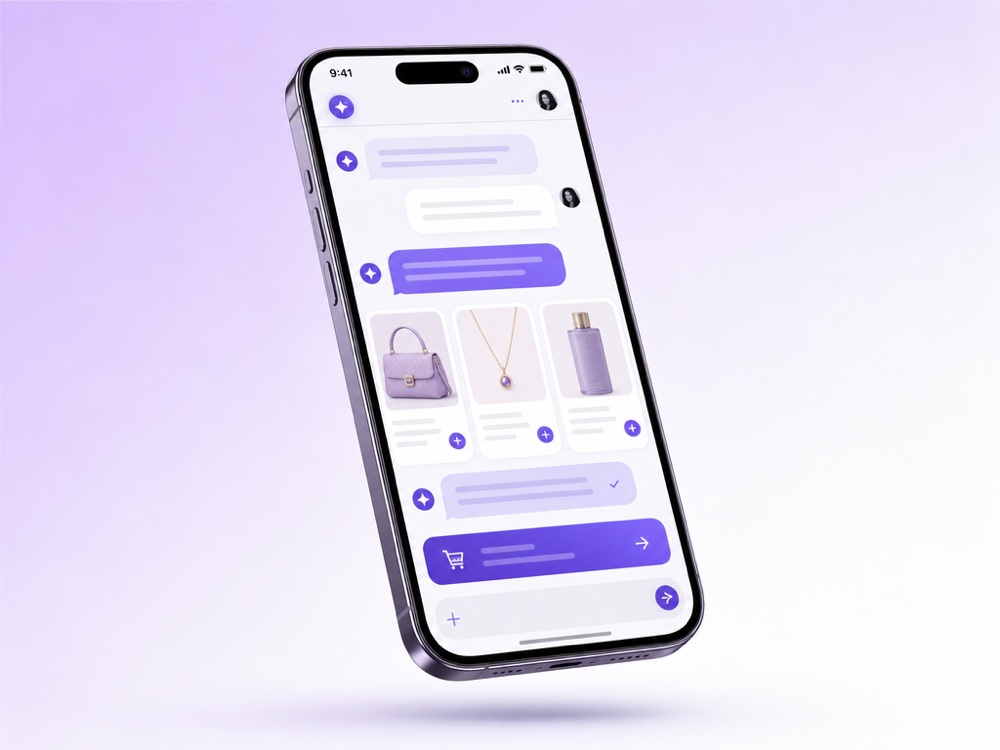
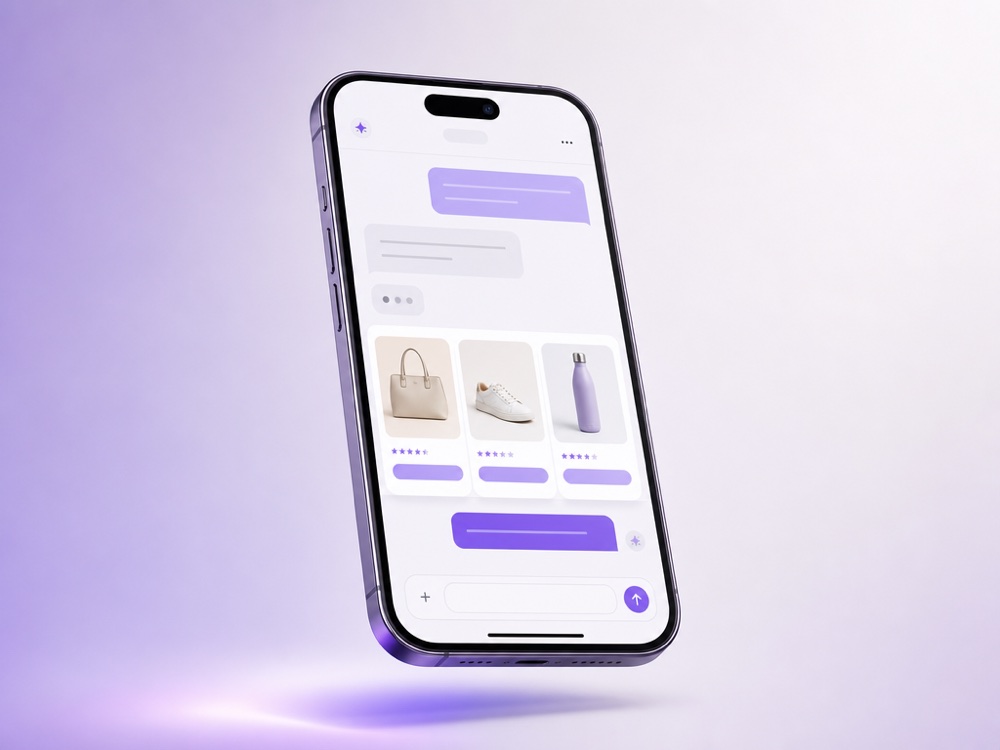
Your AI Sales Agent greets every lead in seconds, understands what they want, recommends the right product and closes the order, on WhatsApp, Instagram, your website and beyond.
The agent asks the right questions, reads intent and pulls the perfect match from your product feed, no script, just a natural conversation.
It recommends, answers objections and walks the customer to checkout, creating the order and the CRM deal without a human touch.
For high-value or tricky deals, the agent hands the chat to your team with full context, quietly, via silent hand-off and Flight Control.
The AI Sales Agent is the customer-facing assistant of the MyChatBot Sales Platform. It answers buyers in your chats, finds the right products in your catalog, collects contact details, creates leads and orders, and hands the conversation to your team when a person is needed.
It is built for businesses where sales happen in messages: online stores that sell through Instagram or WhatsApp and service companies that qualify requests before a call. Unless you set working hours, the agent stays on duty around the clock, and every change you save applies from its next reply.
There is no fixed script tree: you describe the role, sales script and rules in plain language, and the agent applies them in every conversation.
Product search matches a query by meaning, keywords, category and, optionally, a product photo. For large catalogs with many attributes, turn on Agentic Search: a search agent refines the query in several steps and compares results before answering.
Contact Details saves the full name, phone number and email when a customer shares them. Client Context collects any other fields you define and keeps them for the same client across all channels, so a buyer who moves from Instagram to WhatsApp is not asked twice.
With native Orders the agent creates, updates and cancels orders in the chat, collecting the order and item fields you configure. If you link Stripe, it sends a checkout link in the chat, and the order switches to Paid and Confirmed once payment completes. Spreadsheet Orders instead writes each order as a new row and does not save it until every column is filled.
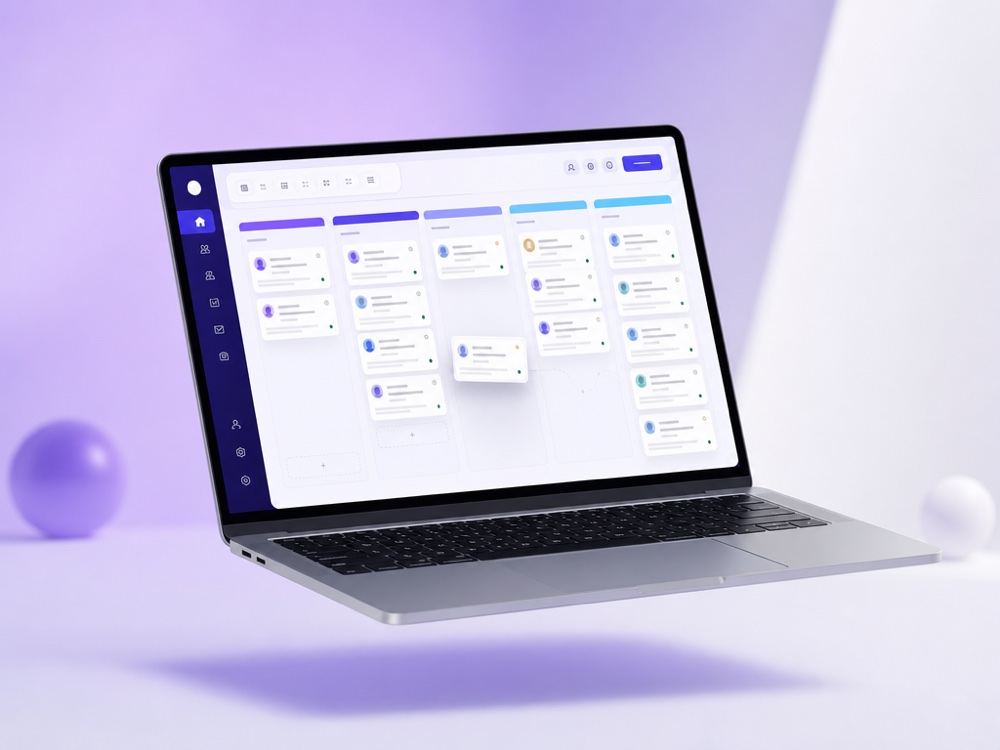
Funnel statuses and labels organise leads on a Kanban board inside MyChatBot, and funnel statuses can also be synced from your CRM. Follow-ups use them to re-engage clients who stopped replying, and if you allow it in Reply & Tools, the agent can schedule its own reminder when a buyer asks to talk later.
One agent answers on every channel connected to it: Website Widget, WhatsApp, Instagram DMs and comments, Facebook Messenger, TikTok, Telegram bot and Telegram Account, Viber bot and E-Chat Viber, Gmail, SMS, OLX, AI calls and the Webhooks API. Each channel is connected to one assistant at a time, and on the Channels page you decide which assistant answers where.
For sales data, connect one CRM per assistant: HubSpot, Salesforce, Zoho, Bitrix24, Kommo, KeyCRM, SalesDrive, GoHighLevel or another tool from the Integrations page. You choose which entities and fields the agent may fill, which pipeline new records land in, and whether a phone number is required first. In most CRMs, records the agent creates get the source AI- plus the assistant name, so AI-sourced pipeline is easy to report on. See all integrations.
Google Calendar or Altegio let the agent check, book and cancel appointments in the chat, and a Custom MCP server adds any other tool.
Your instructions decide when the agent involves people. An operator notification flags the chat and, if Flight Control is linked to a Telegram group, sends your team the client’s name, phone, email and a chat link while the agent keeps talking. A handoff to operator also switches the chat to operator mode and the Operator tab.
Managers can step in at any time. In Handoff Control, choose a stop word or implicit handoff, where any operator message switches the chat to operator mode. Silent handoff hides the switch from the customer, and auto return turns the agent back on after 24 hours, or a custom interval, if the operator forgets. More on the human hand-off page.
Limits to plan for:
Standard and Pro keep one sales assistant active at a time, Multipro and higher allow several. Compare plans on the pricing page.
No. The AI Sales Agent is a Sales Platform assistant: it talks to customers on your channels and works with client cards, the CRM and orders. The Agents Platform is for agents and routines that do repeatable work for your team, and they reach sales data through Sales tools.
From your product sources: a Product Feed (XML, YML or TXT), a Product Spreadsheet in Google Sheets, an in-app Products catalog, or Instagram products set up under Channels → Instagram. Feeds and spreadsheets can auto-update roughly every hour. FAQ, business documents, uploaded files and website links cover questions that are not about products.
No. Labels, funnel statuses and client cards work inside MyChatBot, and native Orders are also available, depending on your plan. If you use HubSpot, Salesforce, Zoho, Bitrix24, Kommo, KeyCRM, SalesDrive, GoHighLevel or another supported CRM, connect one per assistant and choose which fields the agent fills.
Yes, with native Orders and a linked Stripe account. The agent sends a checkout link in the chat, the money goes to your own Stripe account, and the order becomes Paid and Confirmed automatically. Refunds are issued from your Stripe dashboard, not from MyChatBot.
A manager can use a stop word or, with implicit handoff, simply reply in the chat, and it switches to operator mode. The agent can also notify your team or hand the chat over on its own, based on your instructions, with alerts in Telegram through Flight Control. Silent handoff keeps the switch invisible to the customer.
By default the agent follows the customer’s lead. You can set a primary reply language from about 50 options and allow the agent to switch the chat language when a customer changes it mid-conversation.
You can add assistants with Create copy, for example one for sales and one for support. On the Standard and Pro plans only one sales assistant is active at a time; Multipro and higher plans allow several active assistants.
Let an autonomous AI sales agent qualify, recommend and close while you scale.
Start free