NEWAI Social Manager Platform

AI Social Manager that answers before you wake up

One AI agent watches every comment, story reply and DM across Instagram, Facebook and TikTok, replies in your brand voice, captures the lead and hands off to your team only when it counts.

01
Engagement → sales

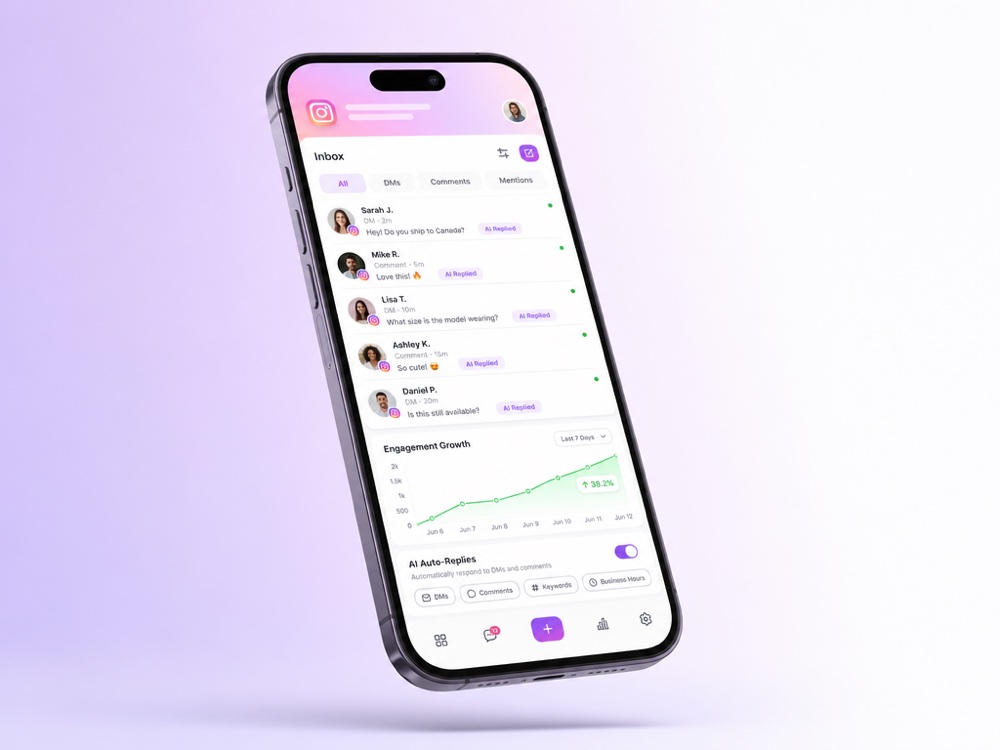
Turn every comment into a private conversation

When someone comments “how much?” or “is this available?”, the agent replies publicly and opens a private DM thread to actually close the sale, automatically, in seconds.

  • ✓Public reply + private DM in one move, day or night
  • ✓Every “price?” becomes a tracked lead in your CRM
  • ✓Works the same on Instagram, Facebook and TikTok
Turn every comment into a private conversation
Story replies, reactions and polls become leads
02
Every interaction

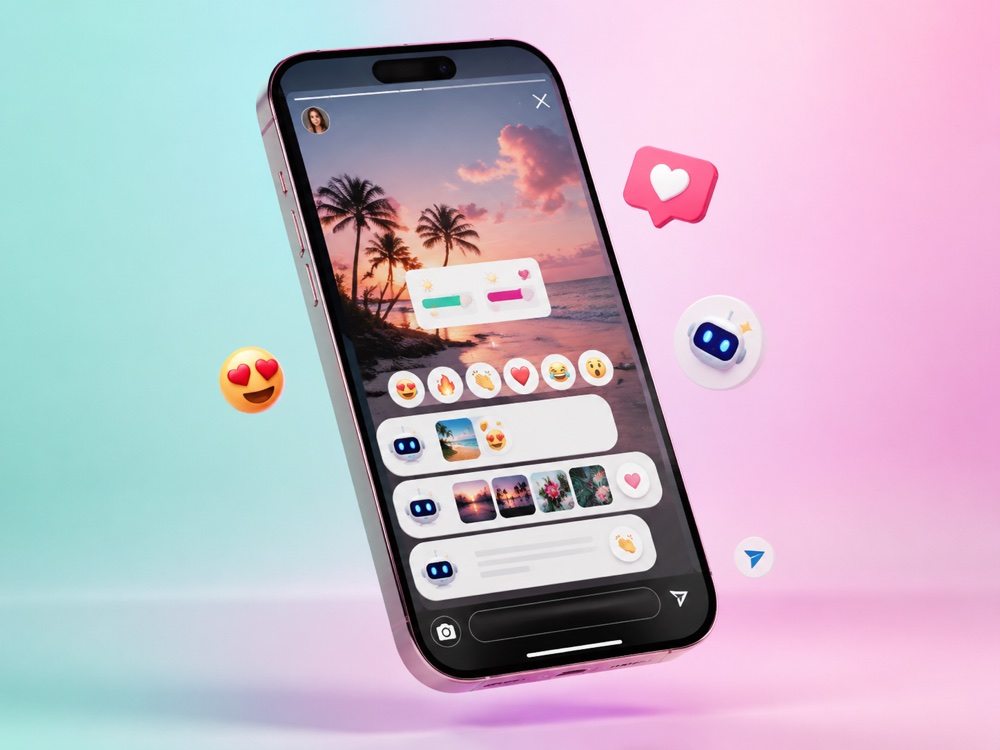
Story replies, reactions and polls become leads

Micro-interactions that usually vanish, a story reply, an emoji reaction, a poll vote, are turned into real conversations. Warm intent never slips through the cracks again.

  • ✓Catches story replies and quick reactions automatically
  • ✓Qualifies warm leads while you sleep
  • ✓Nothing is left on “seen”, every signal gets a follow-up
03
One brand voice

On-brand everywhere, human when it matters

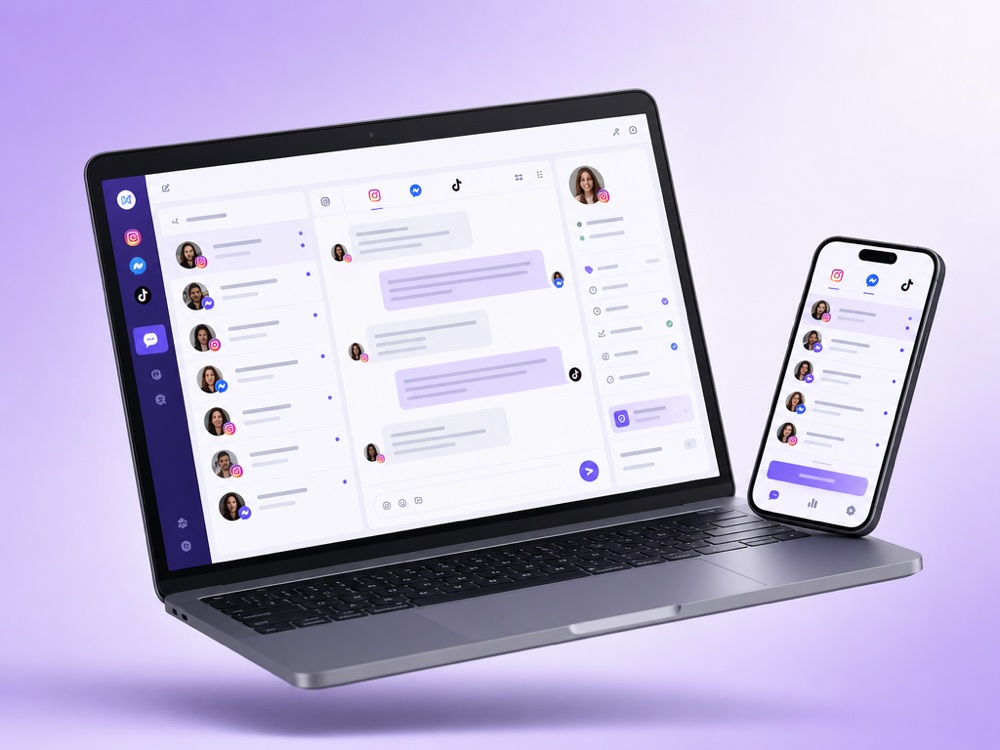
A single agent answers across all your social channels with a consistent tone pulled from your Knowledge Base, and quietly hands off to a real person the moment a conversation needs one.

  • ✓Consistent answers from your Business Domain & product feed
  • ✓Silent hand-off + Flight Control alerts in Telegram
  • ✓New leads pushed straight into KeyCRM, HubSpot, Kommo & more
On-brand everywhere, human when it matters

What AI Social Manager is and who it is for

AI Social Manager is a MyChatBot AI agent that works your social inboxes on Instagram, Facebook and TikTok: direct messages, comments under posts, reels and videos, and on Instagram also story reactions and story mentions. It answers in your brand voice from your own knowledge, records the lead in a pipeline and calls a person when a conversation needs one.

It fits businesses whose customers write first on social media:

  • shops that sell straight from their Instagram feed;
  • service businesses that get price and availability questions under every post;
  • brands that publish reels and TikTok videos and can’t answer every comment by hand;
  • teams that want one inbox and one pipeline instead of three separate apps.

It runs on the Sales Platform, the part of MyChatBot for customer chats, channels, clients and CRM.

How it works, step by step

  1. A message or comment arrives. Someone sends a DM, reacts to a story or comments under a post, reel or video on a connected account.
  2. The agent reads the context. It follows its Role instructions, communication style and the Knowledge Base you attached: FAQ, business documents, a product feed or a product spreadsheet.
  3. It replies where it makes sense. With AI-generated replies and Reply in Direct Messages on, a simple reaction gets a comment reply only, while a real request about price, location or availability also gets a private DM. On Instagram the agent keeps context about which post the comment was on.
  4. It records the lead. With Contact Details on, the agent saves the name, phone and email a customer shares. Client Context keeps the other data points you define, such as budget or size, shared across all channels for the same client.
  5. It moves the lead forward. The agent sets the funnel status and labels in the built-in pipeline or a connected CRM, and published Follow-ups re-engage clients who go quiet.
  6. It calls a person when needed. The chat is flagged in Active chats and, if Flight Control is connected, a notification with the client’s details and a chat link goes to your Telegram group.

Key capabilities

Comment replies and comment to DM

On Instagram, Facebook and TikTok you choose a Reply mode. Custom message posts a fixed Quick comment reply and follows up in DM; leave the field empty to send only the private message. AI-generated writes a reply to each comment, with an optional AI instruction for tone, plus Reply in Direct Messages and Detect the comment’s language. Instagram and Facebook keep an Agent comment reply log so you can review what was posted.

Instagram Keyword Responder

This automation watches up to 100 selected posts for keywords such as PRICE or LINK. Matching is not case sensitive, and each post can have its own public reply and DM text.

Your feed as a catalog

Instagram Products indexes posts and reels as searchable products, so the agent can reply with the matching post, its image and link. When a customer sends a photo in DM, the agent uses it for image search. Agentic Search adds multi-step search for large or tricky catalogs.

Less noise, follower-aware replies

Ignore toggles decide which events the agent answers: Ignore Comments on every channel, Ignore Reactions on Messenger and TikTok, and separate Ignore Message Reactions, Ignore Story Reactions and Ignore Story Mentions on Instagram. Enable Follower Check on Instagram and TikTok lets it treat followers differently. Reply Delay makes replies feel less instant, and Voice reply answers in a voice you choose.

Channels and integrations involved

The core channels are Instagram, Facebook Messenger and TikTok. Each is connected to an agent on the Channels page, so one agent can hold all three and speak with one voice. The same agent can also run on WhatsApp, Telegram or the website widget, and every conversation lands in Active chats, the shared team inbox.

For leads you have two options:

  • Built-in pipeline. Funnel statuses and labels work as a lightweight CRM with no external system, and you can target Follow-ups by status and label.
  • External CRM. Connect KeyCRM, SalesDrive, Bitrix24, Kommo, Zoho, Salesforce, GoHighLevel or HubSpot, and the agent creates and updates leads, deals or contacts during the chat, depending on the CRM. HubSpot leads and Kommo deals get the source AI- plus the assistant’s name. One CRM can be connected per assistant; see all options on the integrations page.

When a person takes over, and the limits

The agent flags a chat when its instructions say so: a hot lead, a complaint or a question it can’t answer. It either sends an operator notification and keeps talking, or hands the chat off to operator mode. Handoff Control sets the rules:

  • Stop word for manual handoff or Implicit operator handoff, where any operator message takes over the chat;
  • Silent handoff, so the customer sees one continuous conversation;
  • Auto return, which turns the agent back on after 24 hours by default or after a custom interval.

More on the human handoff page. Limits worth knowing:

  • Instagram needs a business or creator account linked to a Facebook page; a personal account can’t be connected.
  • Instagram and TikTok may ask you to reconnect when access expires and may throttle automated replies.
  • On TikTok replies are text-based; images and videos need additional setup.
  • Outside Work Hours the agent stays silent instead of sending an away message and does not answer the backlog later.
  • Every reply draws on your plan’s shared message balance. If it reaches zero, assistants switch off on all channels until you top up.

How to set it up

  1. Create or open an agent, write its Role and choose a communication style, or draft them with Script lab.
  2. Build a Knowledge Base with your FAQ, business documents and products, and pick it in the agent’s Toolkit.
  3. On Channels, select the agent and connect Instagram, Messenger and TikTok. For TikTok, enter your handle in TikTok Page Name before authorizing.
  4. Set comment behavior per channel: Reply mode, DM follow-up, ignore toggles and follower check. If you sell from your feed, turn on Instagram Products.
  5. Switch on Contact Details and Client Context, pick a pipeline and, if you use one, connect your CRM on the Integrations page.
  6. Configure Work Hours, Flight Control and Handoff Control, then attach published Follow-ups.
  7. Try the agent in the Test Dialog, then send a real DM and comment from another account: link and paragraph settings only show in live channels.

On the Standard plan only Spreadsheet Orders is available among integrations; CRM integrations need a higher plan. Compare plans on the pricing page.

Frequently asked questions

Which social channels does AI Social Manager cover?

Instagram, Facebook Messenger and TikTok. On all three the agent handles direct messages and comments; on Instagram it can also respond to story reactions and story mentions. The same agent can be connected to other channels such as WhatsApp, Telegram or the website widget.

Can it reply to a comment publicly and continue in DM?

Yes. In Custom message mode it posts your fixed reply and follows up privately; in AI-generated mode it writes each reply and, with Reply in Direct Messages on, sends a DM when the comment is a real request such as price or availability. On Instagram the person receives a message request they can accept to start the conversation.

Can I connect a personal Instagram account?

No. You need an Instagram business account linked to a Facebook page. Switch the account to business or creator in the Instagram app first, then connect it on the Channels page through Meta authorization.

Where does the agent get prices and product details?

From the Knowledge Base you attach: FAQ, business documents, a product feed or a product spreadsheet. On Instagram you can also turn on Instagram Products to index posts and reels. A post has no structured price or size unless you write them in the caption, so add those details there.

Will leads appear in my CRM?

Yes. The agent can use the built-in pipeline with funnel statuses and labels, or work in a connected KeyCRM, SalesDrive, Bitrix24, Kommo, Zoho, Salesforce, GoHighLevel or HubSpot account. One CRM can be connected per assistant, and integrations are set up separately for each assistant.

What happens when a customer needs a real person?

Based on its instructions, the agent sends an operator notification or hands the chat off. The chat is flagged in Active chats and, if Flight Control is connected, the notification also goes to your Telegram group. With Silent handoff the customer is not told about the switch, and Auto return turns the agent back on after the set interval.

Does the agent reply at night?

If Work Hours is off, the agent is on duty around the clock. If you set a schedule, it stays silent outside those hours and does not answer the backlog later, so an operator or Follow-ups should pick those chats up.

Let your social channels sell while you sleep

Connect Instagram, Facebook and TikTok to one AI agent in minutes, no code, no extra headcount.

Start free