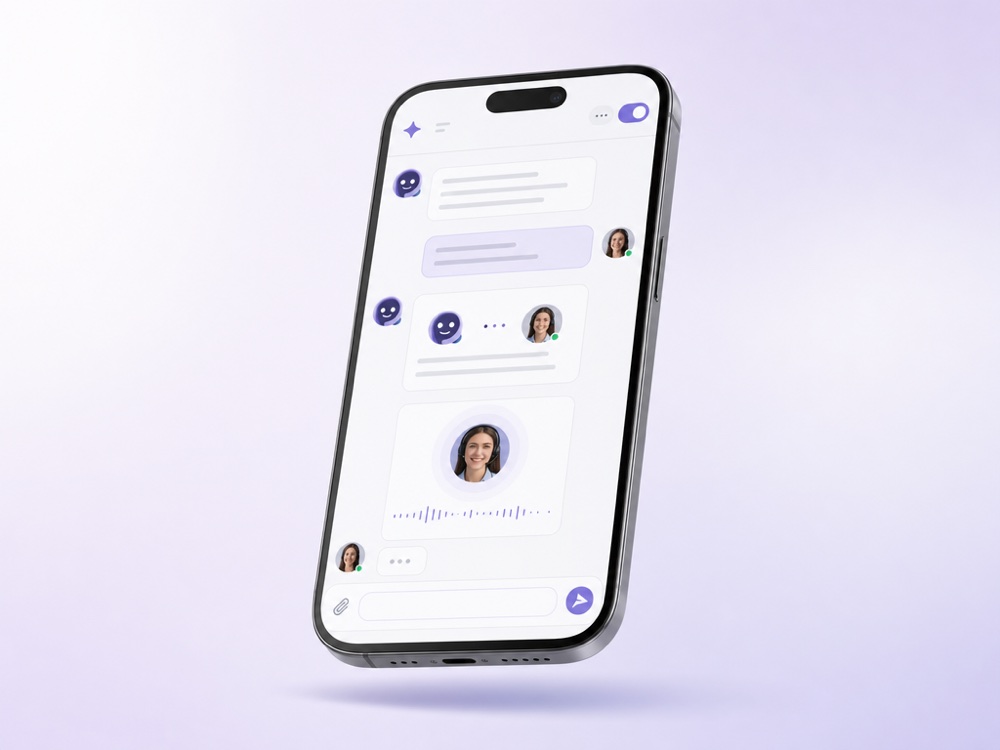
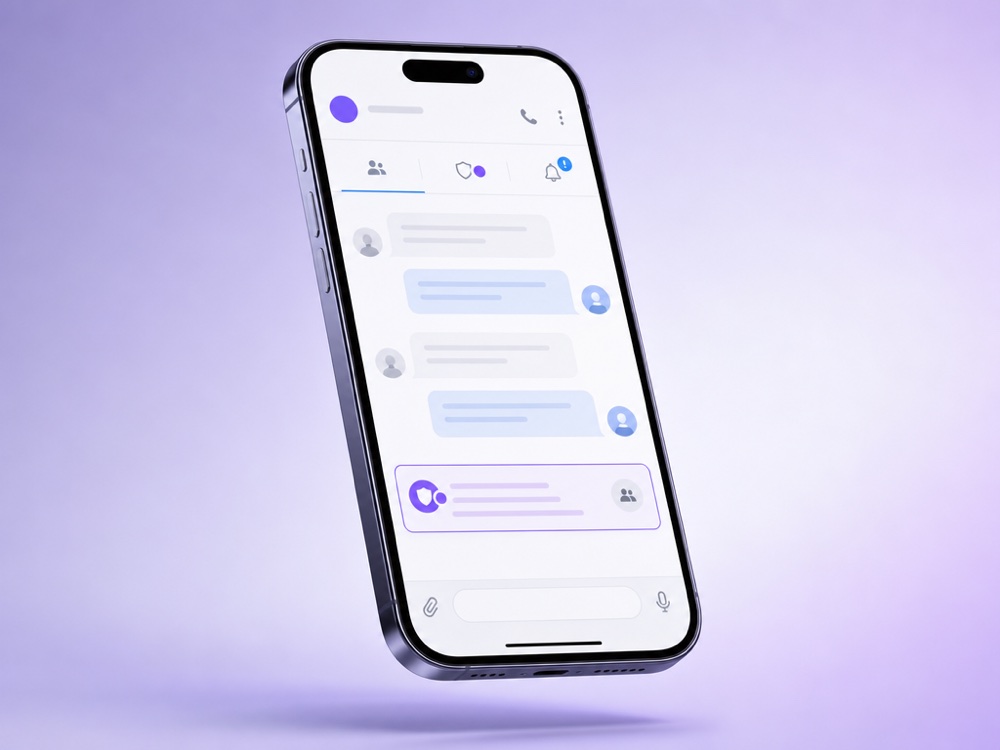
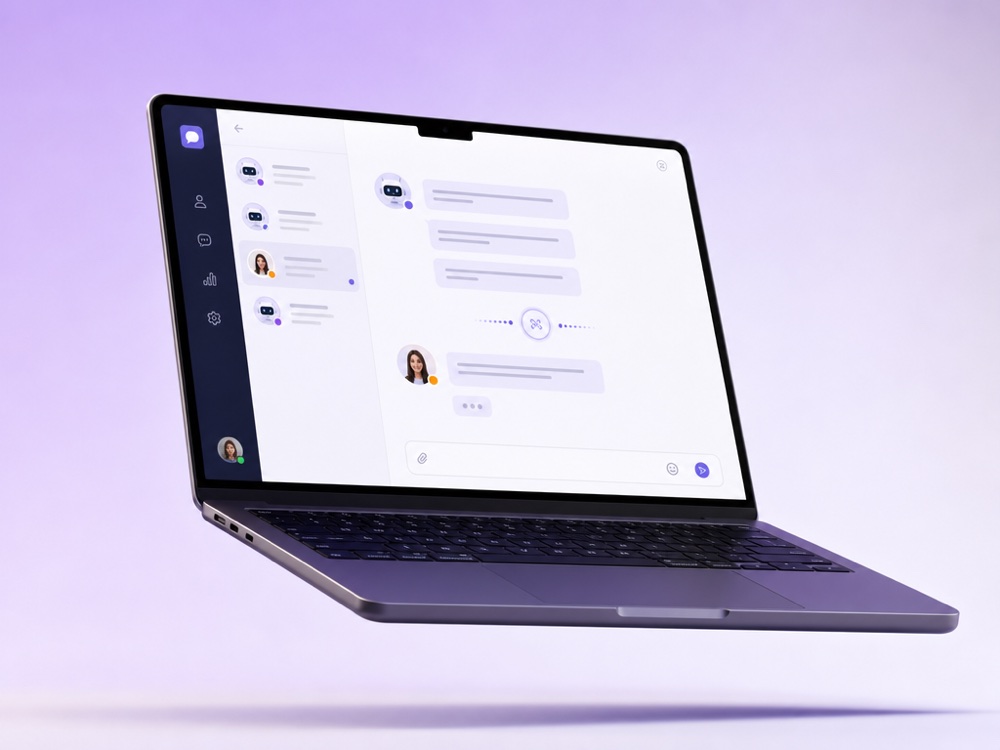
Automation shouldn’t mean a dead end. Hand-off Control gives your AI agent the judgment to bring in a real person exactly when a conversation needs one, without breaking the flow.
The agent recognises sensitive, complex or high-value cases and escalates, instead of guessing and risking the relationship.
With silent hand-off, your teammate steps in mid-conversation with the full history in front of them, no “let me transfer you”, no repeating.
Flight Control pings the right person in Telegram the instant a hand-off happens, so nothing waits and no one is glued to a dashboard.
Human Hand-off is how a MyChatBot sales or support assistant and your team share the same conversations. The AI answers the routine volume on every connected channel. When a chat needs judgement, a decision or simply a person, it moves to operator mode: the AI goes quiet in that chat, a teammate replies from the shared inbox, and the assistant resumes when the work is done.
It is built for teams that automate customer conversations but can’t afford to lose the important ones: shops handling complaints and custom orders, service businesses where a manager confirms the details, agencies and SaaS teams running a support desk. If you run an AI support agent, hand-off is the safety net that makes full automation practical.
It is part of the Sales Platform assistant, the AI that answers your customers. Rules are set per assistant, and the takeover happens per chat, so one conversation can be with a person while the rest stay with the AI.
A hand-off starts the moment a chat switches from AI to a human. It can happen in four ways, depending on what you enable under Handoff Control:
The hand-off finishes when the chat returns to AI: a teammate turns the AI switch back on, or Auto return from handoff does it after the configured interval. The customer stays in the same thread throughout, and the operator sees the full message history and the client card.
Hand-off works wherever the assistant talks to customers, because every conversation lands in the same Active chats inbox: the Website Widget, WhatsApp Business and personal WhatsApp, Instagram, Facebook, TikTok, Telegram, Viber, email and SMS. One assistant applies the same Handoff Control rules on all of its channels.
Phone calls have their own mechanism. In the Calls channel, turn on Transfer to human operator and set the Operator number, an optional Phone line and a Transfer Condition, for example when the caller asks for a manager. It works for phone calls only, not for the Web SDK. The transcript and a playable recording appear in the client’s chat. More on Voice AI.
In operator mode your team works the lead from the client card: pipeline status, labels, manager, notes and tasks. If you use a CRM integration such as KeyCRM, SalesDrive, Bitrix24, Kommo, Zoho, Salesforce, GoHighLevel or HubSpot, you can import its funnel stages with Sync statuses. The sync is one-way, from the CRM into MyChatBot, so run it again after you change stages in the CRM. See all integrations.
The agent escalates only when its instructions tell it to. Describe the conditions plainly in the assistant’s instructions: which situations need just a notification and which need a full hand-off.
One assistant can serve all your channels with the same hand-off rules. On the Standard and Pro plans only one assistant stays active at a time, see pricing.
With Silent handoff turned on, the client is not notified when the chat switches between AI and operator. They keep writing in the same thread on the same channel. The setting sits under Handoff Control in the assistant’s Settings.
Not once the chat is in operator mode: the AI stays quiet there until it is switched back on. With Implicit operator handoff, the first operator reply switches the mode. With a stop word, only the keyword does, and other operator messages don’t interrupt the AI.
Auto return from handoff re-enables the agent in that chat after 24 hours by default. You can set a Custom return interval from 1 to 10080 minutes, or turn the AI switch back on manually at any time.
Chats the agent flags appear in the Attention tab with a red pulsing dot and sound alerts, and handed-over chats also show in the Operator tab. If you connect a Telegram group under Flight Control, operator notifications arrive there with the client’s contact details and a link to the chat.
Yes. In the Calls channel, turn on Transfer to human operator and set the Operator number, an optional Phone line and a Transfer Condition. Transfer is available for phone calls only, not for the Web SDK.
Yes, per agent. On the Operators page, set an operator’s Access scope to the AI agents whose chats they should handle. Leaving it empty grants access to all agents.
The Quality Control page shows Total handoffs, Replied handoffs, Avg first response and Total proc. time for each manager. An AI reviewer also rates finished hand-offs from 0 to 100, shown as the Quality score. The page is visible to account admins only.
Let your AI agent handle the volume and bring in a person exactly when it counts.
Start free