NEWTriggers Platform

Triggers: AI automation that starts the moment something happens

Speed wins deals. Triggers connect any event, a new message, a keyword, an order, an external webhook, to an instant, automated response from your AI agent.

01
If this…

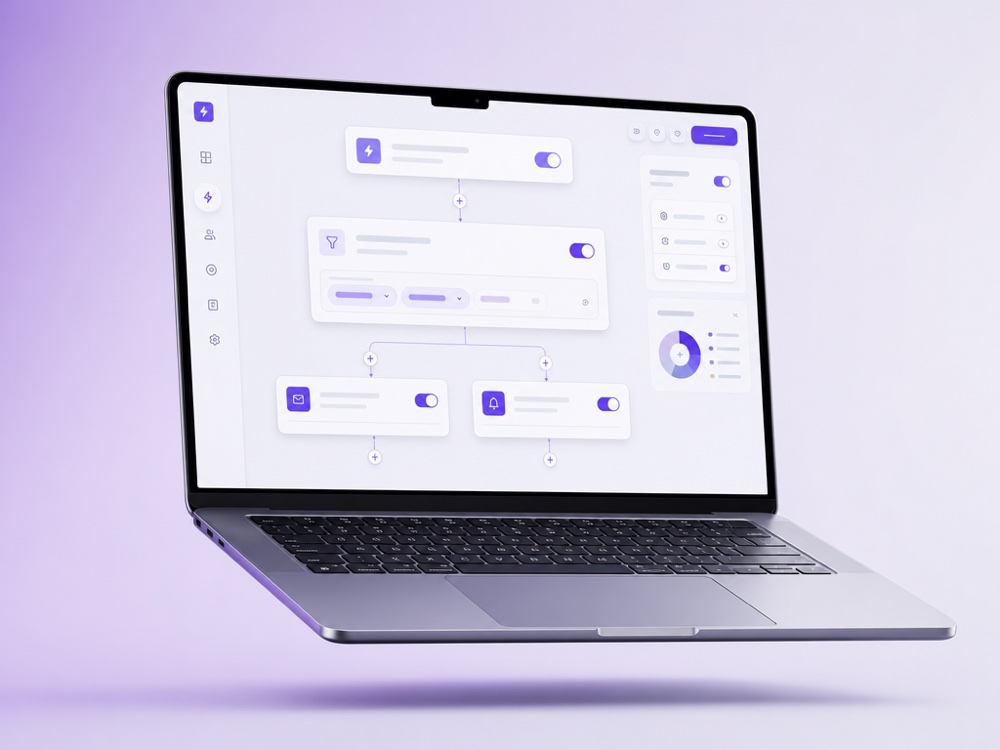
Turn any event into a rule

Pick a trigger, new lead, specific keyword, status change, incoming webhook, without writing code, in a simple visual builder.

  • ✓New chat, keyword, label or status as triggers
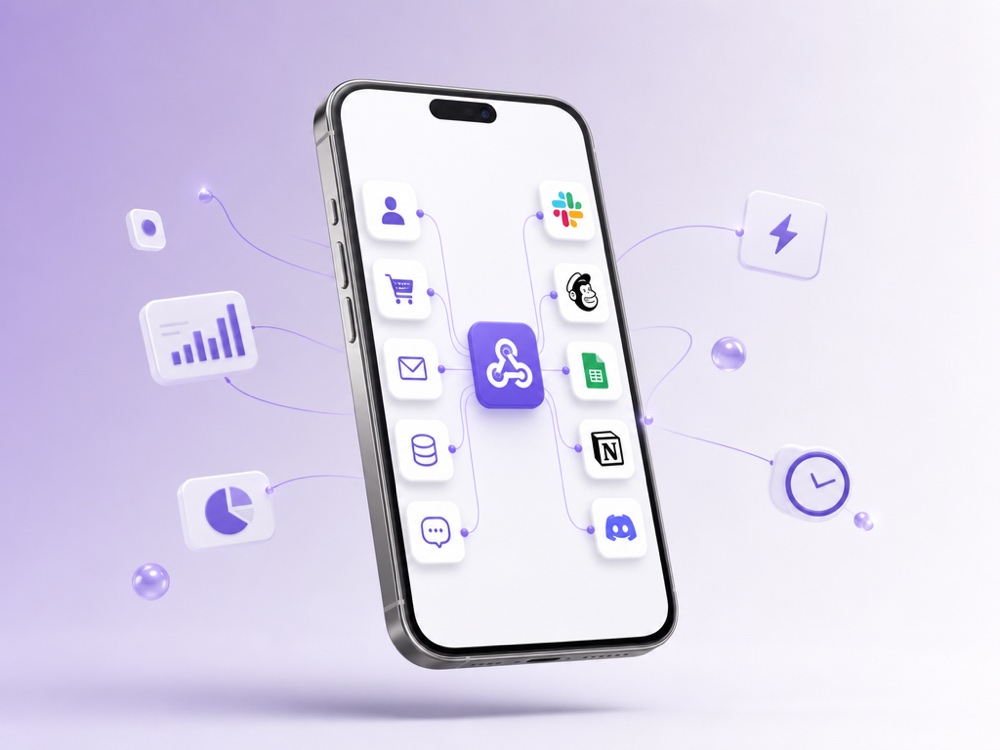
  • ✓Inbound webhooks from your own systems
  • ✓Stack conditions for precise control
Turn any event into a rule
Let the agent do the work
02
…then that

Let the agent do the work

Every trigger can launch a reply, tag a lead, create a CRM deal, book a calendar slot or call a custom MCP tool, in milliseconds.

  • ✓Auto-reply, tag, or start a sequence
  • ✓Create a CRM lead or deal with source “AI-”
  • ✓Call custom tools via MCP and the Webhooks API
03
Always on

Never miss the moment again

Triggers run around the clock, so a 2 a.m. enquiry gets the same instant reaction as one at noon, and your team gets pinged only when needed.

  • ✓24/7 reactions with no one on shift
  • ✓Flight Control alerts to Telegram for key events
  • ✓Silent hand-off to a human when it matters
Never miss the moment again

What Triggers are and who they are for

Triggers in MyChatBot start work on an event, not on a clock. Unlike a schedule, a trigger fires only when there is something to act on: a website form is submitted, your CRM sends a webhook, someone comments a keyword under an Instagram post, or a payment lands in Stripe.

Triggers live in two places in the product:

  • Automations in the Sales Platform capture leads and start conversations. Each automation attaches to one agent: it fires on a form email, a webhook call, a Meta lead form or an Instagram comment, and the agent takes the conversation from there.
  • Triggers in the Agents Platform start a routine or a single agent when a secret link is called or when something happens in a connected app such as Gmail, HubSpot or Stripe.

They suit businesses that collect leads through forms and ads, teams whose CRM or online store should send order updates and reminders through messengers, and anyone who wants back-office work to start when a tool reports a change.

How a trigger works, step by step

  1. The event arrives. Your system POSTs JSON to a unique webhook URL, a form notification lands in the connected mailbox, a Meta Lead Gen form is submitted, or a monitored post gets a keyword comment.
  2. The lead is captured. MyChatBot creates the lead or updates the existing one. Contacts are matched by phone number or email, so a repeat event lands in the same chat instead of creating a duplicate.
  3. The agent acts. In capture-only mode (Capture only, or Collect leads only for form emails) the lead is saved without a message, optionally at a default pipeline stage. In outreach mode the agent sends the first message on the channel you picked, written from your Agent instruction or as a Custom message with {name} and {context} placeholders.
  4. The conversation continues. When the client replies, the agent handles the chat like any other: answers questions and sets statuses and labels, which follow-ups later use for targeting.
  5. You see the outcome. The Automation status card shows the state, such as Pending, Processing, Finished or Error, and counts queued, processed, failed and skipped items.

In the Agents Platform, each trigger keeps its own conversation, and every run starts with the data the event carried.

Key capabilities

  • Trigger Outreach. Up to 20 named triggers, each with its own webhook URL: one per CRM event, order status or reminder type. The context you send is handed to the agent, so the message can mention an order number or a visit time.
  • Lead Form Instant Outreach. Watches the mailbox that receives your website form notifications. An AI step reads the name, phone, email and Telegram username from the letter, with no fixed template. Up to 5 lead sources per agent.
  • Lead Forms. Facebook and Instagram Lead Ads submissions are always saved to Contacts; enable a form to route its leads to a chosen agent.
  • Instagram Keyword Responder. Monitors up to 100 posts, matches keywords regardless of case, and posts a short public reply under the comment and/or sends a private DM.
  • Delay and throttling. Send Delay, Interval Seconds between sends, Timezone and a Sending Window, so messages outside the window wait until it opens.
  • Status updates by webhook. A set_status call moves an existing lead to a status from its pipeline, such as Paid. The change lands in the chat timeline, re-arms follow-ups for the new status and can end a Telegram funnel for that person.
  • Call result callback. When a trigger uses the Calls channel, the agent POSTs a JSON result with the fields you define to your https URL after each call, so you can update your CRM.

Channels and integrations involved

The first message can go out on cold-start channels: Personal WhatsApp, Telegram account, E-Chat Viber, E-Chat Telegram, Gmail, Calls, Calls Ringostat and SMS. Trigger Outreach and Lead Forms also list WhatsApp, Telegram bot, Viber bot, Messenger, Instagram, TikTok and OLX, but those deliver only when the client already has a chat on that channel.

On the event side, any system that can call a URL can fire a trigger: CRMs, online stores, form builders and payment tools. App-event triggers in the Agents Platform watch connected apps directly: 57 events across 21 apps, including Gmail, Google Sheets, Slack, Stripe, HubSpot, ClickUp, Jira, Trello and Zendesk, with plain-language filters. Some events are instant; others are checked periodically, with up to about 15 minutes of delay.

The full list is on the integrations page. For two-way chat with your own app rather than one-off events, use the Webhooks API channel.

When a human takes over, and the limits

Your team can step in at any point. Handoff Control switches a chat to operator mode on a stop word or, in implicit mode, on any operator message, and Silent handoff keeps the switch invisible to the client. Flight Control links a Telegram group to the agent so the team can ask it for information and give it tasks. More on the human handoff page.

Limits to know before you go live:

  • The webhook URL is the credential, with no extra signature. Treat it like a password; if it leaks, delete the trigger and create a new one.
  • Failed items are not retried automatically; re-send the event, and the existing lead is updated. In outreach mode every accepted POST composes a new message, so a CRM that fires twice messages the client twice.
  • Agents Platform triggers: up to 10 per account and 12 fires per trigger per hour. A trigger that fails several times in a row turns itself off. Routines do not pause for approval, so rehearse with a dry run first.
  • A new Sales chat, a customer reply, a lead-stage change or a Sales order does not start an Agents routine today. To re-engage clients who go quiet at a given status or label, use Follow-ups.

How to set it up

  1. Connect the channels you will send from on the Channels page for your agent.
  2. Open Automations, pick the agent at the top right and choose a template.
  3. Set the mode, channels, message and delays, then click Create automation.
  4. For Trigger Outreach, save to generate the Webhook URL and paste it into your CRM or store. Send a POST with phone_number (or email), name and context.
  5. Test with your own number: a 200 reply means the event was accepted; check delivery on the status card and in the chat.

For a routine, click its Edit button, go to Automations, then Triggers, click + Add trigger and choose a custom webhook or a connected app. You can also ask your Personal Assistant to create one in chat. Triggered runs draw from your agents balance like any other run; see pricing.

Frequently asked questions

What can fire a trigger in MyChatBot?

A webhook call from your system, an email from your website form arriving in a connected mailbox, a Facebook or Instagram Lead Ads submission, or a keyword comment on a monitored Instagram post. In the Agents Platform, a secret link or one of 57 events across 21 connected apps, such as a Stripe payment or a new Gmail email, can start a routine.

Does a new chat or a lead status change start a trigger?

Native Sales Platform events such as a new chat, a customer reply, a lead-stage change or an order do not start an Agents routine today. For clients who go silent at a certain status or label, use Follow-ups. Other Sales-only changes can be picked up by a scheduled routine that checks for them.

Do I need a developer to set up triggers?

Not for every automation. Lead Form Instant Outreach, Lead Forms and the Instagram Keyword Responder are configured in the app. Trigger Outreach needs your CRM, store or form tool to send a POST with a phone number or email, which many tools support through a send-to-URL or webhook setting.

What happens if my system sends the same event twice?

Contacts are matched by phone number or email, so no duplicate lead is created. In outreach mode each accepted POST composes a new message, so the client would get two messages; only simultaneous duplicates are blocked. Agents Platform triggers ignore an exact copy of the same event.

Can I stop messages from going out at night?

Yes. Set a Timezone and a Sending Window: inside the window messages go out immediately, outside it they wait for the window to open. You can also add a Send Delay and a minimum interval between sends.

How quickly does a trigger react?

Instant app events reach an Agents routine within moments, while periodically checked events, such as new Gmail emails, can take up to about 15 minutes. For Trigger Outreach, a 200 reply means the event was accepted; the message follows unless a Send Delay or Sending Window holds it back, and the result shows on the status card.

How secure is the webhook URL?

The URL itself is the credential: it contains a long random key and has no separate signature. Keep it private and paste it only into services you trust. If it leaks, delete the trigger and create a new one, and the old URL stops working.

Automate your fastest response yet

Wire any event to an instant action and let your AI agent handle the rest.

Start free