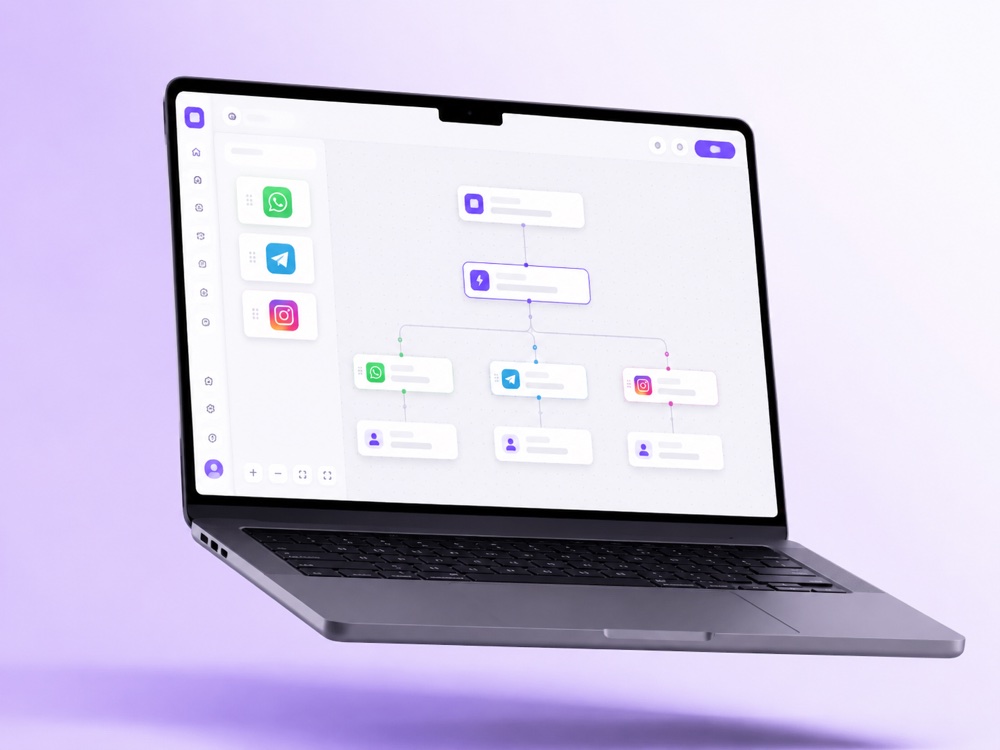
Design once, deliver across WhatsApp, Telegram, Instagram and 20+ channels. The Campaign Builder turns a single idea into a coordinated, on-brand push your AI agent runs end to end.
Drop a block for each channel onto a single canvas and write your message once. MyChatBot adapts the formatting so it looks native everywhere.
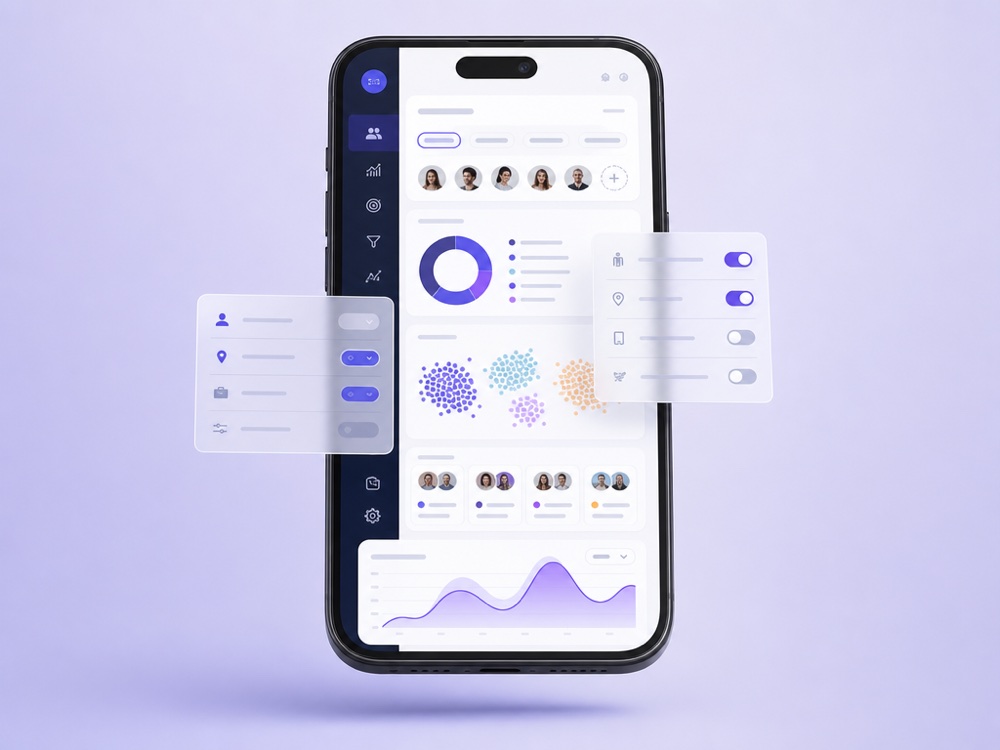
Build audiences from your CRM labels, statuses and tags, so the right offer reaches the right people instead of a blast to everyone.
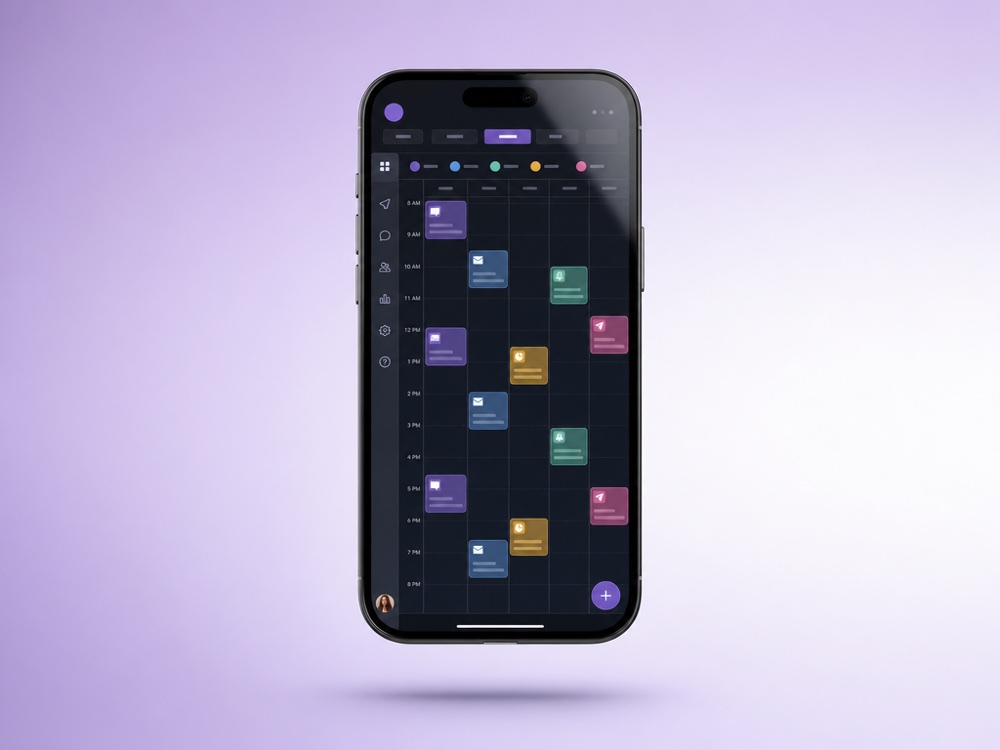
Pick the window and hit go. Scheduled messages fire on time, and the AI agent handles every reply that comes back, instantly, around the clock.
Campaign Builder is the campaign side of Follow-ups & Outreach in the MyChatBot Sales Platform. It sends a one-time campaign, called Immediate outreach, to a segment of your clients, either right away or at a scheduled time, and your AI agent handles every reply that comes back.
It suits sales and account teams who need to reach a list: announcing a promo to recent contacts, re-activating leads who went quiet, calling a freshly imported list or sending a personal email to one pipeline stage.
With Agent instruction, the agent writes a personalized message for each client instead of one generic blast. Every send and every reply lands in one conversation per person in your dashboard, next to your other channels. It is not a bulk email platform: there is no open or click tracking and no unsubscribe-link injection.
After the run, Outreach Results replaces the preview: totals for chats, delivered and failed sends, plus a per-client table with the channel, status and delivery error. For clients who stay silent after the campaign, add a follow-up sequence that nudges them automatically.
Start with Client Source: Clients with chats, All clients or Clients without chats for imported leads who have never written to you. Then filter by Pipeline, Statuses, Labels, Agents, Managers, stored phone number or email, an activity window of up to 365 days, and up to 10 custom-field filters from a lead’s Additional information, for example Location is one of Texas, New York. Audience limit caps a run at 1 to 10 000 clients.
In Agent instruction you describe the outcome, tone and talking points, and the agent writes a personalized message for each client. Custom message sends exact text with {name} and {context} placeholders. Both support attachments and Omit core instructions, so a campaign message is not colored by the agent’s everyday sales persona.
Schedule for later shows an estimated start and end window. Call time adjustment per lead shifts each send into the lead’s own timezone, read from a field such as timezone with a value like America/New_York. Sending interval limits the rate, up to 1 000 messages per 86 400 seconds, to reduce the risk of messenger bans.
Pause and Resume work for scheduled, queued and running campaigns. By default the audience is frozen when you save; turn on Dynamic audience only if the filters should be re-evaluated at send time.
A campaign can only use channels that are able to start a conversation: Personal WhatsApp, Telegram account, Viber, Email (Gmail), Calls and SMS.
A Telegram bot, the WhatsApp Business API, Instagram and the website widget can only reply to someone who wrote first, so they cannot open a cold campaign.
Audiences come from the built-in CRM. Import a list from a Google Spreadsheet and tag the batch with a label, status and pipeline during import, or let your agent apply labels and statuses in conversations. If you use a CRM integration such as KeyCRM, Sync statuses copies its funnel stages into MyChatBot as statuses, one way, without changing anything in the CRM. As clients reply, the agent can set their funnel status and labels and save the name, phone or email they share. With CRM sync, available on Pro, it can also create and update leads in your CRM.
The agent answers replies on its own, but you decide when a person steps in. Based on its instructions, the agent can send an operator notification, which puts the chat in the Attention queue and, with Flight Control connected, posts an alert to your Telegram group. It can also hand the chat to an operator and switch it to operator mode; silent hand-off and auto return are set under Handoff Control. There you also choose how a manager takes over: with a stop word, or with implicit handoff, where any operator reply switches the chat to operator mode. More on human hand-off.
Limits worth knowing before a big send:
Campaigns need an active subscription and are included in any Sales plan from Standard up. Compare plans on pricing.
Immediate outreach is a one-time send to a filtered segment, run now or at a scheduled time. A Postponed contextual sequence fires per client when a tagged client goes silent, step by step, and stops when they reply. Many teams use both: a campaign to wake a segment up and a sequence to chase the quiet ones.
Yes. Choose Clients without chats or All clients as the source and select a channel that can start a conversation: Personal WhatsApp, Telegram account, Viber, Email, Calls or SMS. A Telegram bot, the WhatsApp Business API, Instagram and the website widget can only reply to people who wrote first.
That depends on the message type. With Agent instruction, the agent writes a personalized message for each client from your goal and talking points. With Custom message, everyone gets the exact text, with the {name} and {context} placeholders filled in.
Yes, when you schedule for later. Store a timezone such as America/New_York in a field of each lead’s Additional information and select that field under Call time adjustment per lead. It does not apply to Run now.
The agent reads each reply and answers it in the same conversation. Based on its instructions it can notify an operator or hand the chat over, and a manager can take over with the stop word or, if implicit handoff is on in Handoff Control, simply by replying.
No. It is CRM-driven outreach, not a bulk email tool, so there is no open or click tracking and no unsubscribe-link injection. Outreach Results show delivered and failed sends per client, and replies arrive as conversations.
Every message, and every call by duration, uses your shared sales-message balance. If the balance reaches zero, all assistants are switched off until you top up, so check it before a large send. Plan details are on the pricing page.
Build it once and let a single AI agent deliver and reply across every channel.
Start free