
The problem: a shared inbox with no system behind it
If your sales and support both run out of one shared inbox, the failure mode is familiar. Threads get missed, two people reply to the same email, follow-ups slip, and good leads age out in a backlog nobody has time to clear. Volume is rarely the real problem; the absence of a system is.
A mailbox has no idea who owns a thread, what stage it is at, or when someone last answered. That state lives in your team's heads, and it evaporates the moment the day gets busy. Everything below is about giving the inbox that missing state, without asking anyone to be more disciplined.
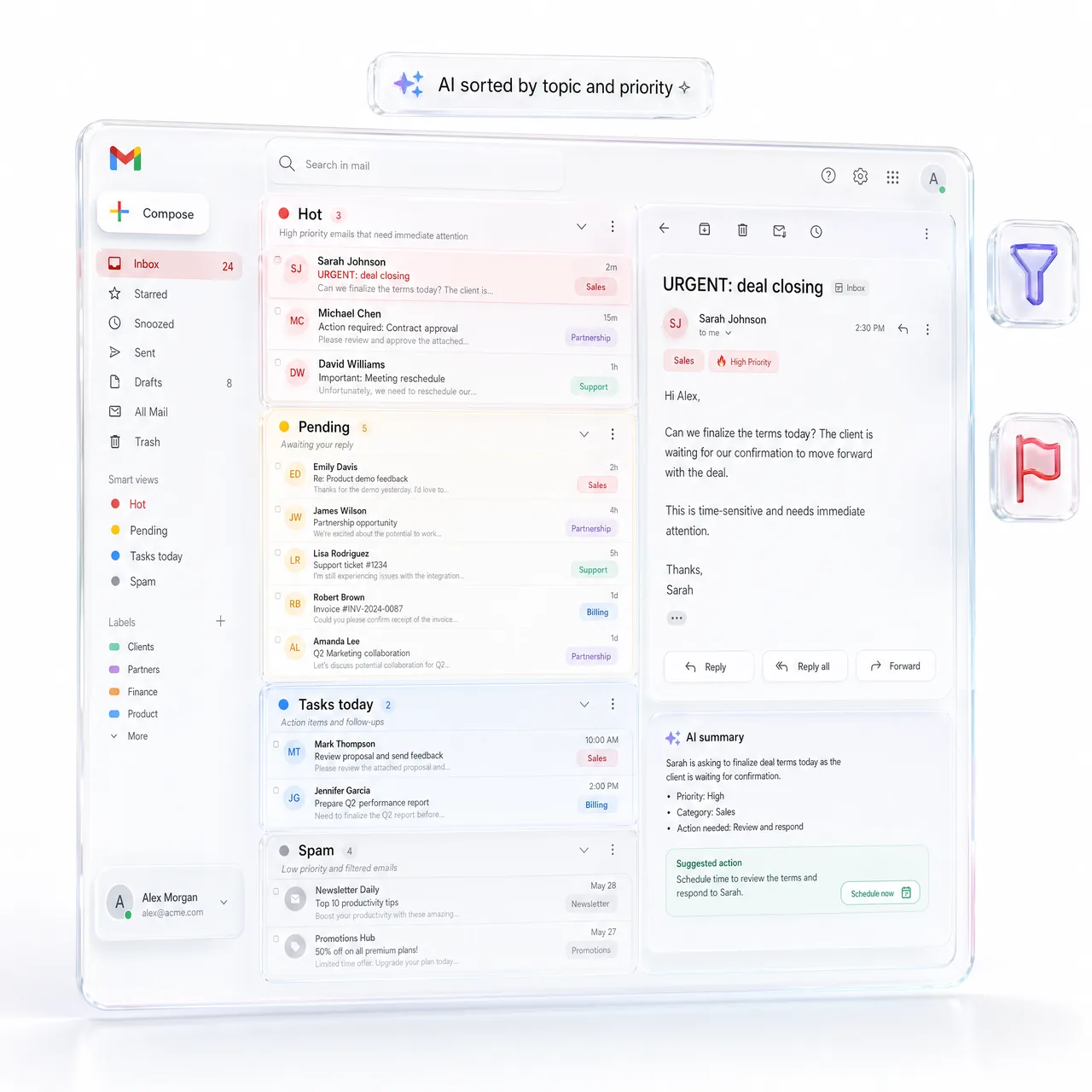
Put one AI Email Agent on the inbox
Start with a single MyChatBot email agent on the shared inbox. Connect Gmail or your mail account as a channel, then give the agent something to answer with: your offering, policies and objection handling as Business Domain docs in the Knowledge Base, your catalogue as a Product Feed (XML) or Product Spreadsheet, and Agentic Search on top so it can find the right detail instead of guessing.
Then connect the CRM you already use, KeyCRM, SalesDrive, Bitrix24, Kommo, Zoho, Salesforce, GoHighLevel or HubSpot. With that in place the agent replies to routine threads on its own, labels every incoming message by intent and importance through Lead Processing, and calls create_crm_lead or create_crm_deal when a thread is a real opportunity, writing back a lead_chat_link so whoever opens the record can read the whole correspondence in one click. Leads it creates carry the AI- source prefix, so you can always tell what the agent brought in.
Build the instruction in the Configuration Wizard rather than in the live mailbox: draft it, battle-test it against your own awkward emails, and keep the versions so you can roll back a change that reads worse than the one before it.
What the agent takes off your plate
The repetitive half of a shared inbox, pricing questions, order and delivery status, the same handful of FAQs, stops reaching a person at all. What does reach a person arrives labeled, summarized and already attached to a CRM record, so nobody has to reconstruct the history before replying.
Follow-ups cover the part nobody remembers: a quote that went quiet, a thread that stopped after one exchange. Set the cadence once in Lead Processing and every deal gets its second touch whether or not anyone is watching the pipeline. Because the CRM record, not the mailbox, is the source of truth, two people stop answering the same email.
Reply Format is what keeps the mail readable: answers broken into paragraphs instead of a wall of text, image links rendered as images, and scheduled messages so a reply composed at three in the morning lands at a civilized hour. Agent On/Off with a schedule lets you decide when it works alone and when it stays quiet. If the next step is a call, the agent can check your free slots and book it in Google Calendar inside the same thread.
Where people step in
Decide up front which threads should never be answered without a person: negotiations, complaints, anything high-value or legally sensitive. Hand-off Control routed them to the right team member via Flight Control in Telegram, with silent hand-off so the client felt one seamless thread.
The division of labour is the point. The agent carries the volume and the structure, the labels, the records, the reminders; your team carries the relationships and the negotiations, arriving at a thread that is already summarized instead of a mailbox that has to be excavated.
What changes in practice, and how to set it up
Inbox zero here does not mean ignoring mail. It means every message has been answered, sorted or turned into a tracked record, so an empty inbox is an accurate statement about the work rather than a filing trick. Replies stop depending on who opens the mailbox next, and a lead can no longer go quiet without anything happening.
A workable setup order: connect the mailbox as a channel, load Business Domain docs and the catalogue into the Knowledge Base, connect the CRM and check that a test thread creates a record with a working chat link, define your labels and statuses, set the follow-up cadence, switch on Flight Control notifications, then run the agent alongside the team for a while and feed the awkward threads back into the Configuration Wizard.
Watch the first weeks in Flight Control rather than in a dashboard. The threads the agent escalates tell you exactly which document is missing from the Knowledge Base, and every gap you close there is a whole category of email the inbox never has to handle again.
A real customer story on this: From 4-hour reply times to 2 minutes, at 13k SKU scale.