
Before you start: 3 things to have ready
Connecting AI SMS takes about five minutes. Have three things ready: an SMS sender number or provider account, your product and policy data (a Product Feed or spreadsheet plus Business Domain docs), and a clear objective, remind, reactivate, or qualify. A focused SMS agent beats a chatty one, especially with a character budget.
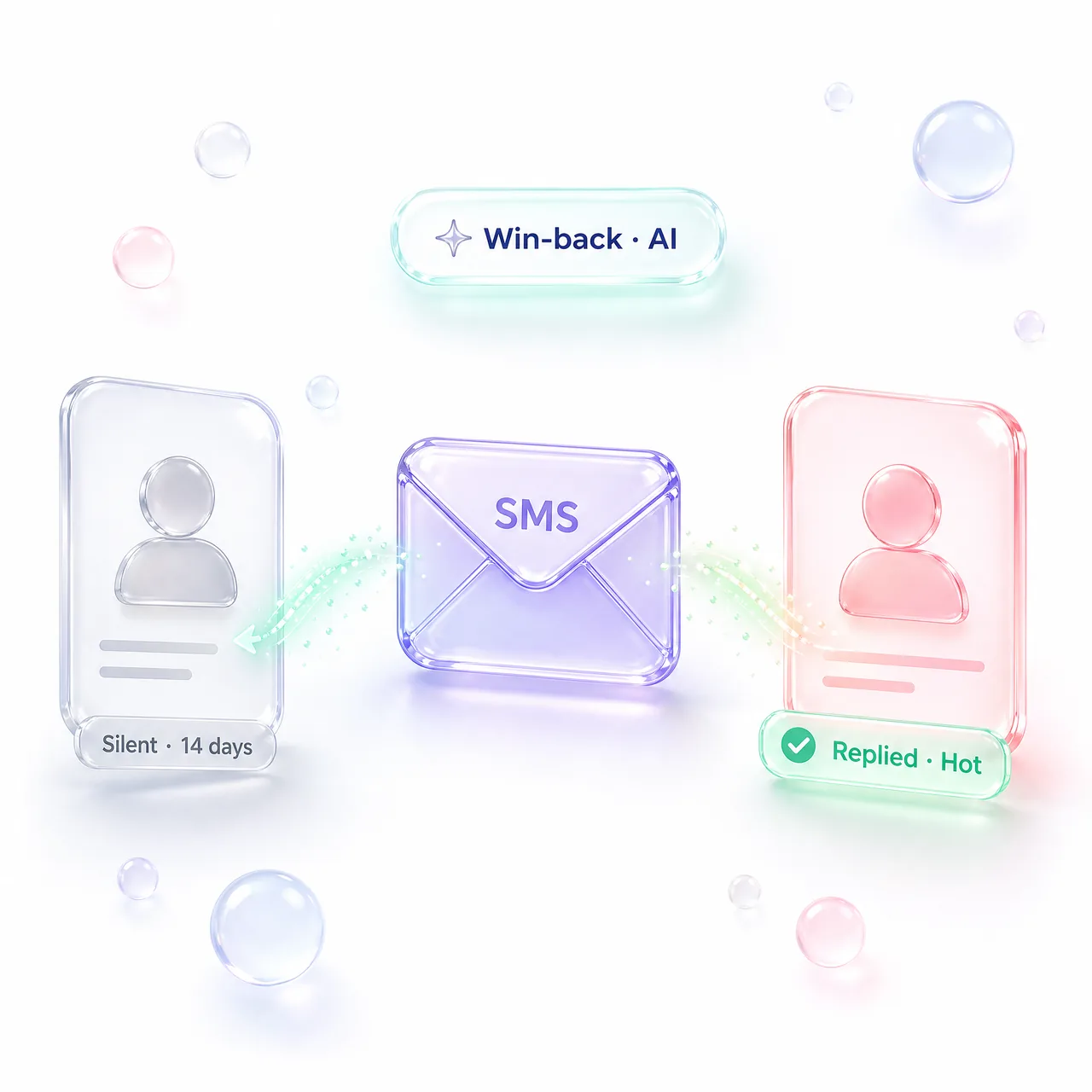
Step 1, Connect the SMS channel
In MyChatBot, open Channels and pick SMS. Connect your sender number or provider and authorize, the capability discovery step, where the platform learns what it may do on your behalf. From here the agent can send and receive two-way texts.
Step 2, Give the agent its Knowledge Base
Upload Business Domain docs and connect a Product Feed (XML) or Product Spreadsheet. This is the agent's memory: it answers price, availability and policy from facts in short texts, with Agentic Search pulling only the one fact each message needs. Skip it and the agent guesses, so do not.
Step 3, Wire CRM, opt-outs and hand-off
Connect your CRM, KeyCRM, SalesDrive, Kommo, HubSpot and more, so the agent runs create_crm_lead and edit_crm_lead with a chat link. Configure opt-out handling (STOP is always honored). Then set Hand-off Control: the stop-word, conditions and silent hand-off, with Flight Control alerting your team in Telegram. This is permission scoping.
Step 4, Test, schedule, go live
Send a few test texts, let the Configuration Wizard battle-test the messages, and confirm they are short, clear and on-brand. Set the Agent On schedule and sending windows (so texts never land at 2am), with graceful degradation if anything is down, turn it on, and watch the first replies. Five minutes to connect; the payoff is SMS that converts instead of getting muted.