
How Viber broadcasts work
Viber broadcasts in MyChatBot run as Immediate outreach: a one-time campaign to a segment, sent now or scheduled. Viber connects in two ways: a Viber bot linked by access token, or E-Chat Viber, a business number via E-Chat.tech.
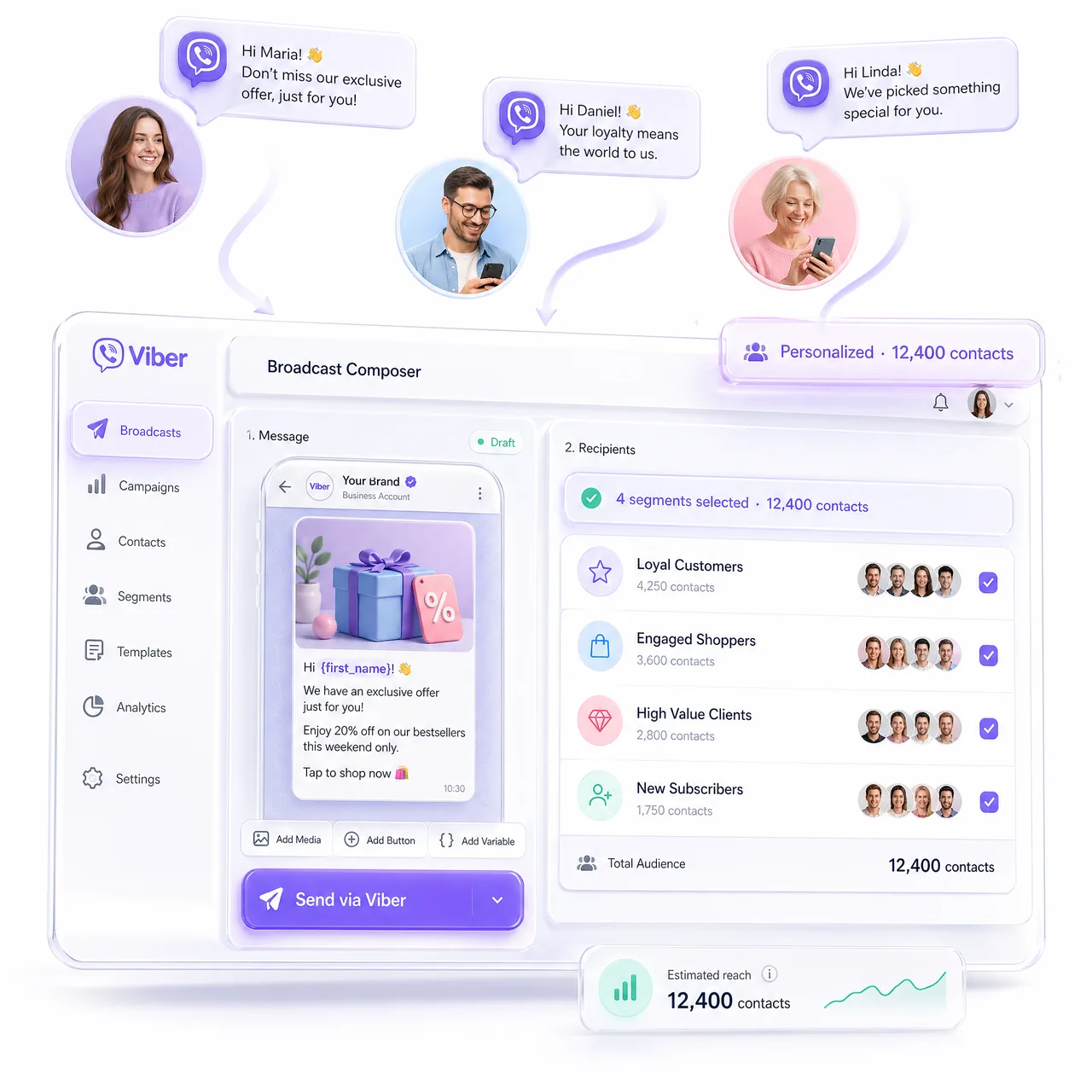
Who a Viber broadcast can reach
A Viber bot cannot write first: until a client messages it, sending fails. For people who already chat with your bot, choose Clients with chats and filter Channels to Viber. Imported leads who never chatted need Clients without chats and E-Chat Viber, which can start conversations, like a Telegram account on Telegram.
Segments, regions and personal copy
Filter by pipeline, statuses, labels, managers or a custom field such as Location, then check the Audience Preview. With Agent instruction the agent writes a personal message per client; a Custom message goes out as written, with {name} and {context}. For different offers, run one campaign per region.
Where broadcasts meet conversations
A reply lands in the Viber chat, and the agent carries on from its instructions. Outreach Results shows each client as Sent or Failed, with the reason and a chat link. Handoff Control passes the chat to an operator by stop word or on any operator message.
How to turn it on
Connect the Viber bot or E-Chat Viber under Channels. In Outreach, click Create, choose Immediate outreach, set targeting, channel and message, pick Run now or a time, and click Save outreach. For large audiences, set a Sending interval. More on the AI Viber Bot page.