
Why Viber leads go quiet, and which channel follows up
On Viber, many leads do not say no, they go quiet: they ask a price, get busy, and the chat slides down the list. Chasing them by hand feels awkward. A postponed follow-up goes out in the chat’s own channel, so the client hears back in the same Viber chat. To write first to leads who never chatted, outreach can use E-Chat Viber; a Viber bot is not among the channels that can start a conversation.
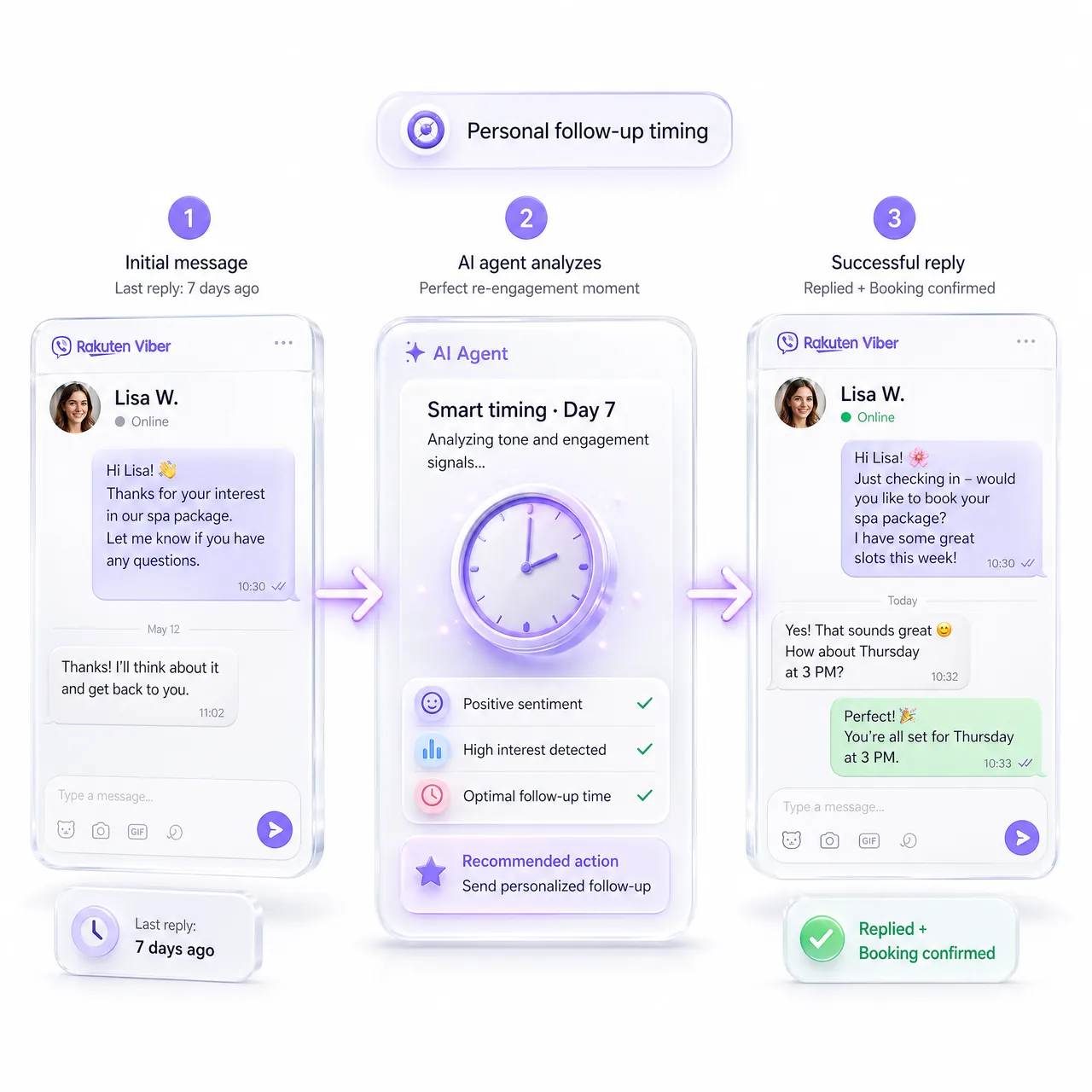
A short sequence that fits a Viber chat
In Outreach, create a Postponed contextual follow-up: it fires when a client goes silent. Keep it to three to five messages, each with a new hook: a reminder of what they asked, an attached price list, a direct question, and a short final Custom message, sent word for word. Other steps can use Agent instructions. E-Chat Viber sends files and links and splits long answers into chunks.
Timing that counts silence
Delays count silence: the entry step waits after the client’s last message, each next step after the previous one. Widen the gaps: 2 hours, 1 day, 3 days. Any reply stops the remaining steps. Follow-up hours set the days, hours and time zone for sending. On E-Chat Viber, Reply Delay (30 seconds by default) lets the agent answer quick client messages together.
What starts the sequence
A sequence targets one funnel status, labels (all or any) and, optionally, a pipeline. The agent applies them in the Viber chat per your instructions, for example a pricing_question label when a client asks about prices. Statuses and labels must exist first: create them on a client card or import statuses with Sync statuses from your CRM. Lead Supervisor fills in missing ones on a schedule.
How to run it on MyChatBot
- Register on E-Chat.tech and submit your business details and Viber number.
- In the number’s E-Chat settings, paste the MyChatBot webhook URL into both webhook fields. Without the status one, delivery confirmations do not arrive.
- In Channels, select the agent, open E-Chat Viber, enter the API KEY and Phone, and save. Personal WhatsApp pairs via a QR code instead.
- Publish the sequence and attach it under Toolkit, Follow ups.
In Handoff Control, pick a stop word or implicit operator handoff. Operator replies carry the prefix Manager:.