
Why a personal Viber inbox gets messy
A personal Viber mixes leads, clients, partners and one-off questions. In MyChatBot a Viber number connects through the E-Chat Viber channel, so its chats land in Active chats, and the agent tags each conversation so important ones stand out.
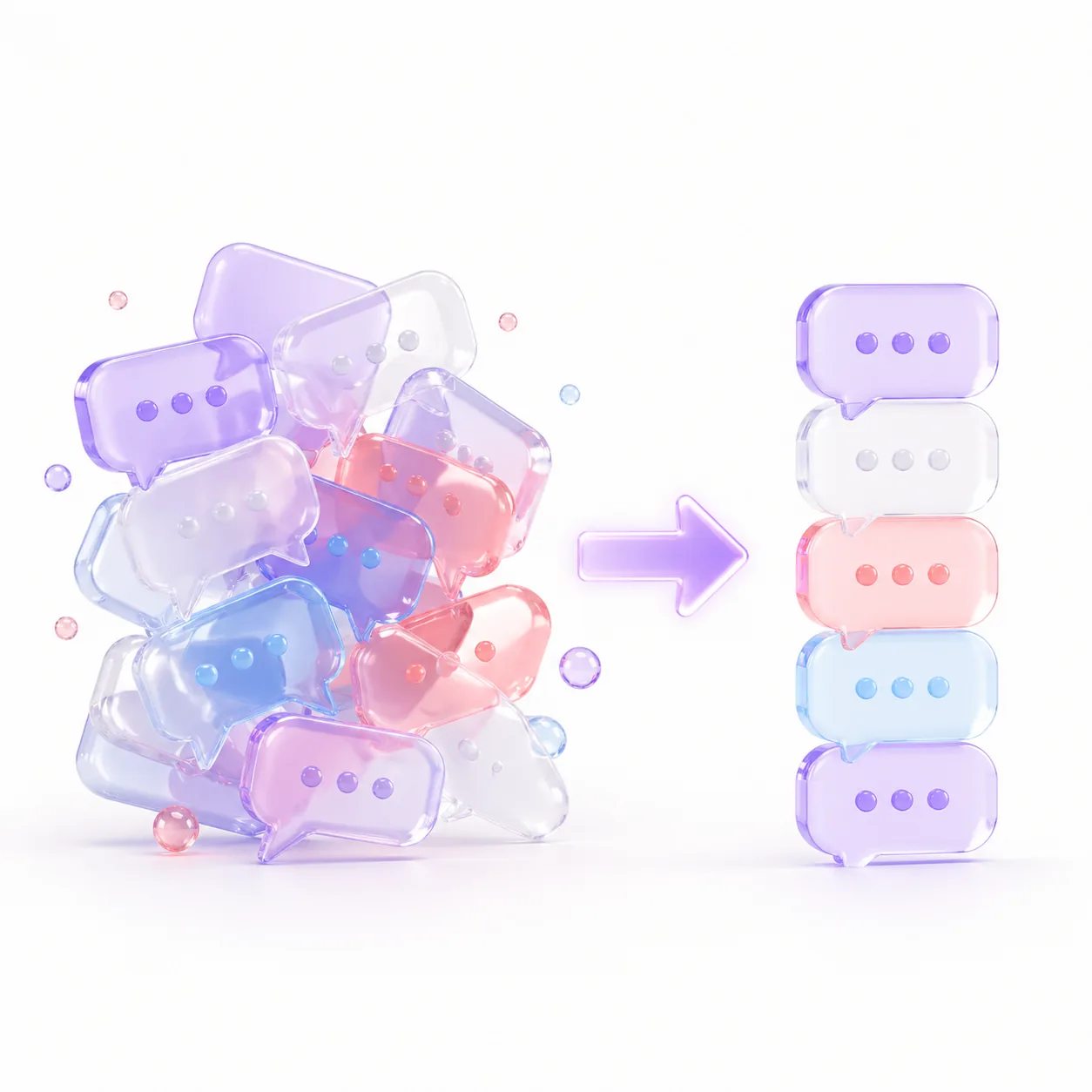
Importance labels, applied automatically
Create Labels and Funnel status values on a client card and tell the agent when to apply them. A client can have several labels but only one status. Filter the list by channel, label or Last message by: Client.
It handles the routine, surfaces the rest
The agent answers routine questions. When a chat needs you, it sends an operator notification: the chat lands in Attention and, with Flight Control connected, in your Telegram group with the client’s contacts and a chat link. A handoff moves it to the Operator tab.
Segmentation that drives your day
The same tags drive Follow-ups: a sequence targets a status and labels and fires when a matching client goes silent. Lead Supervisor fills in missing statuses and labels on a schedule. Unlike a Viber bot, an E-Chat Viber number can write first to a client with a saved phone.
How to turn it on
Register on E-Chat.tech, connect your number and paste the MyChatBot webhook URL into both webhook fields. In Channels, open E-Chat Viber for your agent, enter the API KEY and phone, then Save changes. No QR code, unlike Personal WhatsApp. More: AI Personal Viber.