
Before you start: 3 things to have ready
Connecting TikTok takes about five minutes, but do it before your next video pops, not during. Have three things ready: a TikTok business account with DM access, your product data (a Product Feed or spreadsheet plus Business Domain docs), and a clear scope for the agent. A focused agent beats a clever one, especially under a spike.
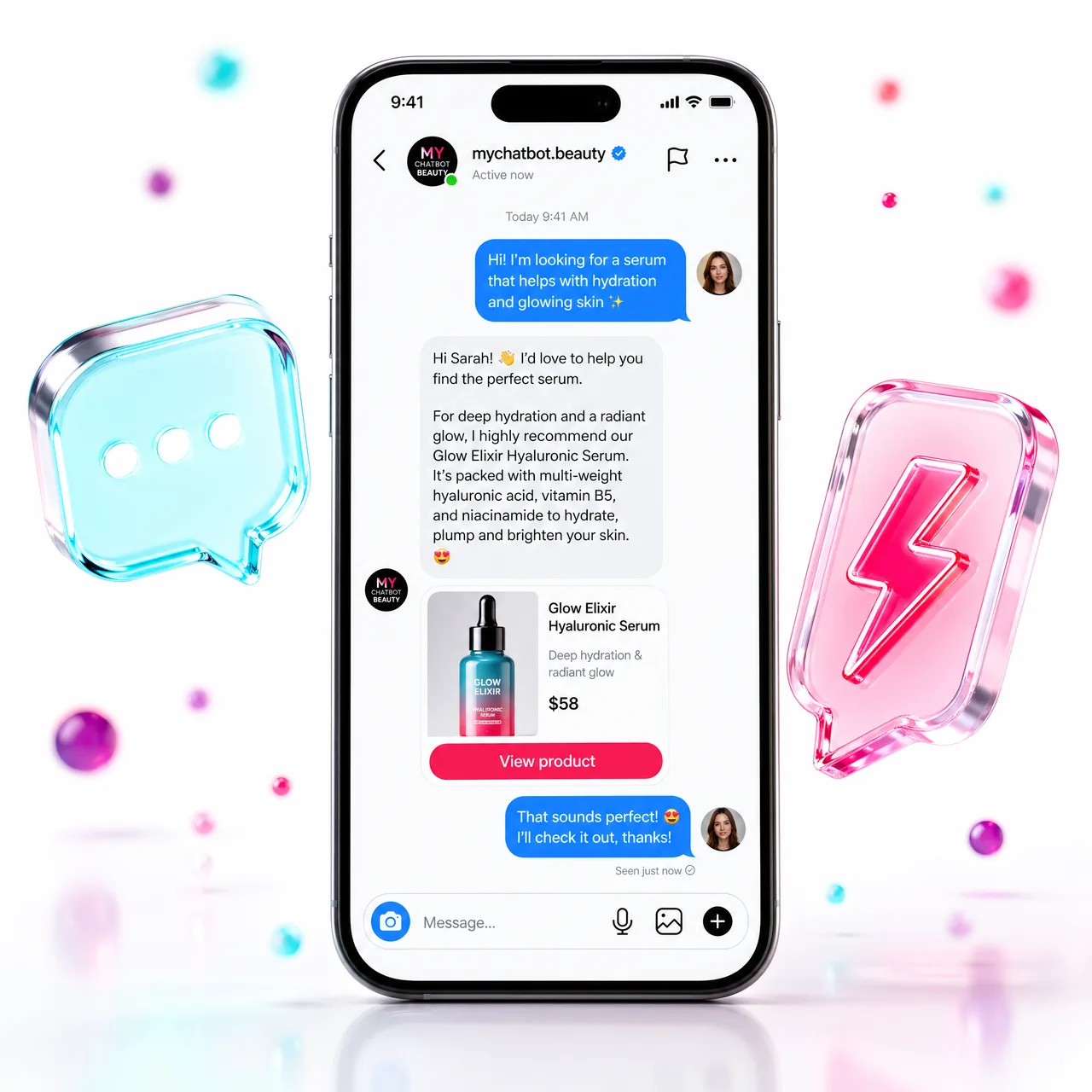
Step 1, Connect the TikTok channel
In MyChatBot, open Channels and pick TikTok. Authorize and grant DM access, the capability discovery step, where the platform learns what it may do on your behalf. Connection is instant, and every incoming DM and comment now lands in front of your agent instead of a silent inbox.
Step 2, Give the agent its Knowledge Base
Upload Business Domain docs and connect a Product Feed (XML) or Product Spreadsheet. This is the agent's memory: it answers price, stock and links from facts, with Agentic Search pulling only the rows it needs, essential when thousands ask at once. Do not skip it.
Step 3, Wire CRM, calendar and hand-off
Connect your CRM, KeyCRM, SalesDrive, Kommo, HubSpot and more, so the agent runs create_crm_lead and create_crm_deal with a chat link on every hot thread. Add Google Calendar or Altegio for bookings. Then set Hand-off Control: the stop-word, conditions and silent hand-off, with Flight Control in Telegram. This is permission scoping, how far the agent acts before a human steps in.
Step 4, Test, schedule, go live
Run a few test DMs, let the Configuration Wizard battle-test the instruction, and confirm the tone sounds native. Set the agent 24/7 with graceful degradation if anything is down, turn it on, and you are ready. Five minutes to connect; the payoff is never missing a viral spike again.